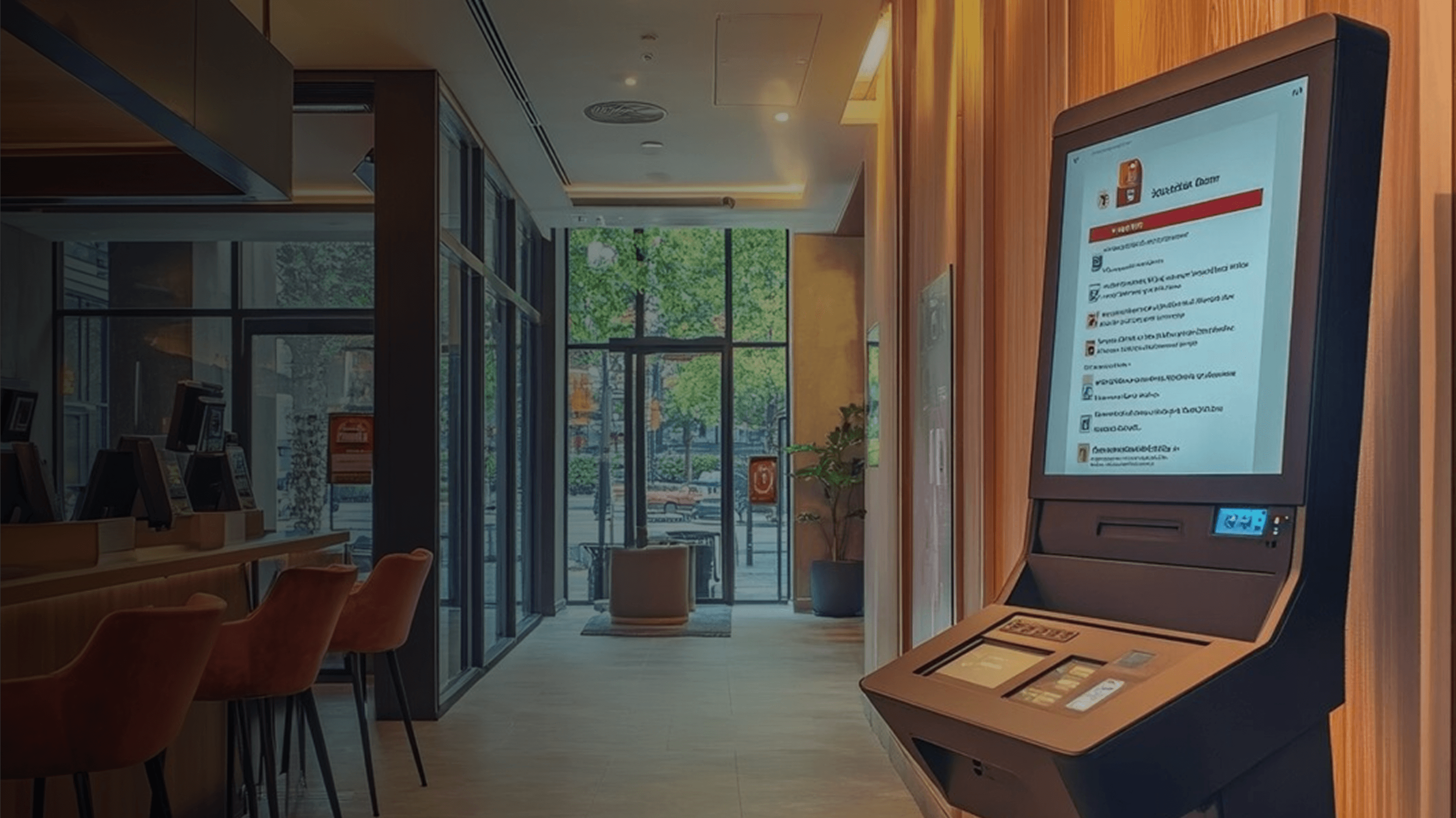
An interactive information kiosk gives users access to relevant information regarding shopping malls, hospital departments, meeting halls, attractions, and various other places right away without the help of any attendant. Rather than depending on traditional and outdated signage, a touch screen will offer updated versions of maps, directories, timetables, announcements, and even multiple language options. It will not only help the venue save time through repetitive queries but will also assist the visitors with getting their queries answered easily. The company, Abhiwan Technology designs this with custom interfaces and a content management system tailored according to each individual venue. This piece of writing describes how the technology functions, where it can be used, and what factors should be considered when designing the same.
What Are Information Kiosks?
Information kiosks are public terminals with screens that help to answer users' questions rather than process payments. Good interactive kiosk development involves identifying the most common questions asked by visitors, like "where" and "when," and designing a navigation that will provide the answers in just two or three touches of the screen.
Behind the screen, there is a layer of content that is updatable remotely; if a company changes the location of its office or cancels an event, the change will be updated throughout the whole network of kiosks immediately. Companies that provide interactive kiosk services always offer not only content management but also equipment choice, installation, and remote control in order to keep the fleet uniform and coherent. And this is all about the following fact: visitors judge places according to their navigability. Good interactive kiosk software should have fast loading, intuitive operation, and self-recovery in case of connection problems so the device won't turn into a useless screen on the wall.
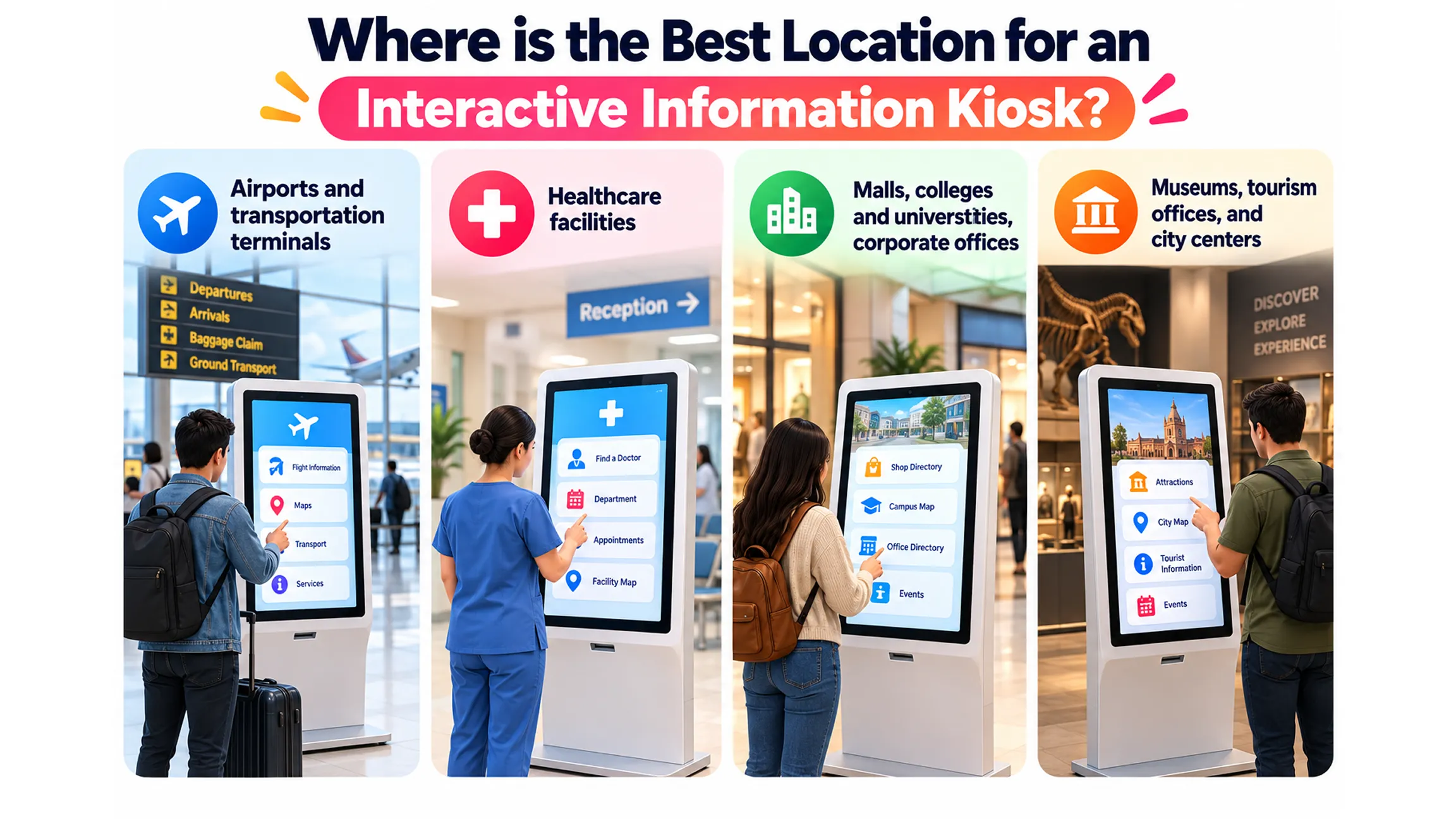
Where is the Best Location for an Interactive Information Kiosk?
Wherever many people have similar basic questions upon arrival is the best location for an interactive information kiosk. The greatest value will be gained where orientation is complicated, and staff resources are limited.
Airports and transportation terminals
Passengers need immediate updates about gate numbers, transport connections, and building navigation. The kiosk provides real-time data and multilingual maps; staff is available only for more complex situations.
Healthcare facilities
Patients and visitors frequently arrive feeling anxious and confused. A kiosk directs people to the right departments, informs about visiting hours, and provides check-in instructions; it minimizes missed appointments and hallway congestion.
Malls, colleges and universities, corporate offices
Large facilities with multiple tenants, buildings, and meeting rooms are full of questions related to building orientation. A searchable directory and multilingual maps provide self-service navigation.
Museums, tourism offices, and city centers
Visitors need information about the best destinations, events, and routes; they often require the information in their own language. A kiosk becomes both an informative and promotional tool.
Interactive Information Kiosk Use Cases
| Location | Common Kiosk Use | Key Benefit |
|---|---|---|
| Airports & Transit Hubs | Directions, maps, gate information, transport details | Helps travelers find destinations quickly |
| Hospitals & Clinics | Department directories, directions, check-in guidance | Reduces confusion for patients and visitors |
| Malls & Shopping Centers | Store directories, floor maps, promotions | Makes it easier to locate stores and services |
| Corporate Offices | Meeting room locations, employee directories, visitor guidance | Helps visitors navigate large office spaces |
| Museums & Tourist Centers | Exhibits, event schedules, local attractions, maps | Gives visitors useful information in one place |
| Educational Campuses | Building directories, room locations, campus maps | Helps students and visitors navigate the campus |
| Hotels & Resorts | Facility information, event schedules, local recommendations | Improves the guest experience and reduces routine questions |
Key Advantages of a Successful Information Kiosk
Apart from convenience, there are several practical benefits of a thoughtfully designed information kiosk that a venue hosting it gets to experience.
Decreased workload for front-desk personnel
The amount of time spent answering repetitive location questions can be quite surprising. Delegating this responsibility to a good kiosk allows staff to concentrate on complicated enquiries, and this becomes the main aim of any interactive kiosk development project.
Always updated information
The printed materials become outdated right after some alteration takes place. A centralized content management system means one update for all terminals at once, and a professional interactive kiosk development company is going to create such a system for you to be easily managed by any staff member.
Ability to support different languages and special needs
The use of language selection, big text options, and voice navigation increases the audience of your kiosk dramatically. It also prevents you from future lawsuits regarding discrimination.
Usage information that will help enhance the venue
A visitor’s search activity and tapping on any item provides a useful indication of their preferences. The review of the most visited locations or abandoned flow helps provide factual data for management when making decisions regarding signs, staffing, and venue layout.
Interactive Information Kiosk: Facts & Figures
- According to MarketsandMarkets, the size of the global interactive kiosk market reached nearly $21.85 billion in 2025, and it is forecasted to hit about $35.65 billion by 2030 with a CAGR growth of approximately 10.3%. The estimated figures may vary from one research company to another, so they should be considered approximate.
- Hardware remains the largest revenue contributor to the kiosk market, while software becomes the fastest-growing market segment with a CAGR of around 14.4% through 2030 (according to Mordor Intelligence).
- According to the ADA reach-range rule, a control such as a touchscreen has to be located between 15 and 48 inches above the floor surface with an adequate clear floor space of at least 30 by 48 inches in front of it.
- North America dominates the regional market share, and Asia-Pacific will experience the fastest market growth.
Abhiwan Technology: Interactive Kiosks Tailored to Your Space
Established in 2018, Abhiwan Technology develops kiosks, holograms, digital walls, and touchscreens for retailers, event producers, real estate developers, and educators, offering interactive kiosk services that include design, development, and implementation in one package. Its internal team of designers, developers, and testers works on the user interface, content management system, and testing instead of outsourcing any of these parts of the process to separate vendors. Since Abhiwan also produces AR, VR, and gaming applications, it is able to integrate elements like animated wayfinding or an attractive screen that draws people into using the kiosk. Every project is built based on the space, its traffic, and other factors.
What Is the Difference Between an Information Kiosk and a Self-Service Kiosk?
Information kiosks mostly deliver information such as guidance, directories, schedules, and announcements. They do not accept any payment from users. The main function of a self-service kiosk is to perform a task for the user by accepting payments or making a purchase, therefore requiring additional payment, authentication, and security integration on top of the information display layer. Both functions tend to overlap, whereby most places install information terminals first before adding transaction capabilities. Selecting interactive kiosk software that will evolve into the desired functionality is important.
Do Information Kiosks Need to Be ADA Compliant?
As per the 2010 ADA Standards in the United States, there is no particular standard that applies to all kiosk types. While Section 707 provides a particular standard for ATMs and fare machines, the general equal access provisions require that businesses and government organizations usually design kiosks in such a manner that they are accessible to everyone. This normally includes controls in the range of 15 to 48 inches, sufficient space on the floor for a wheelchair, audio capability, contrast, readable text size, etc. Government-related kiosks would also have to comply with the provisions of Section 508, while EN 301 549 is the standard used in Europe. Requirements differ depending upon their nature and usage; hence, it is advisable to seek legal advice regarding requirements and get an interactive kiosk development company to design the same from scratch.
Conclusion
An interactive information kiosk transforms the complex environment into one that people can explore by themselves without relying on any assistance, thus liberating employees to attend to inquiries that require human intervention. The key is to base everything on questions from visitors, consider access in advance, and select the content management system that allows non-technical people to make updates. No matter if your venue is an airport terminal, a hospital, a campus, or a shopping center, the return on investment will be achieved thanks to reduced distractions and increased visitor satisfaction. An organization like Abhiwan Technology can define the software and content management process based on your venue rather than imposing a cookie-cutter solution. Plan all these aspects before building the kiosk.
Written By Vaibhav Karanwal