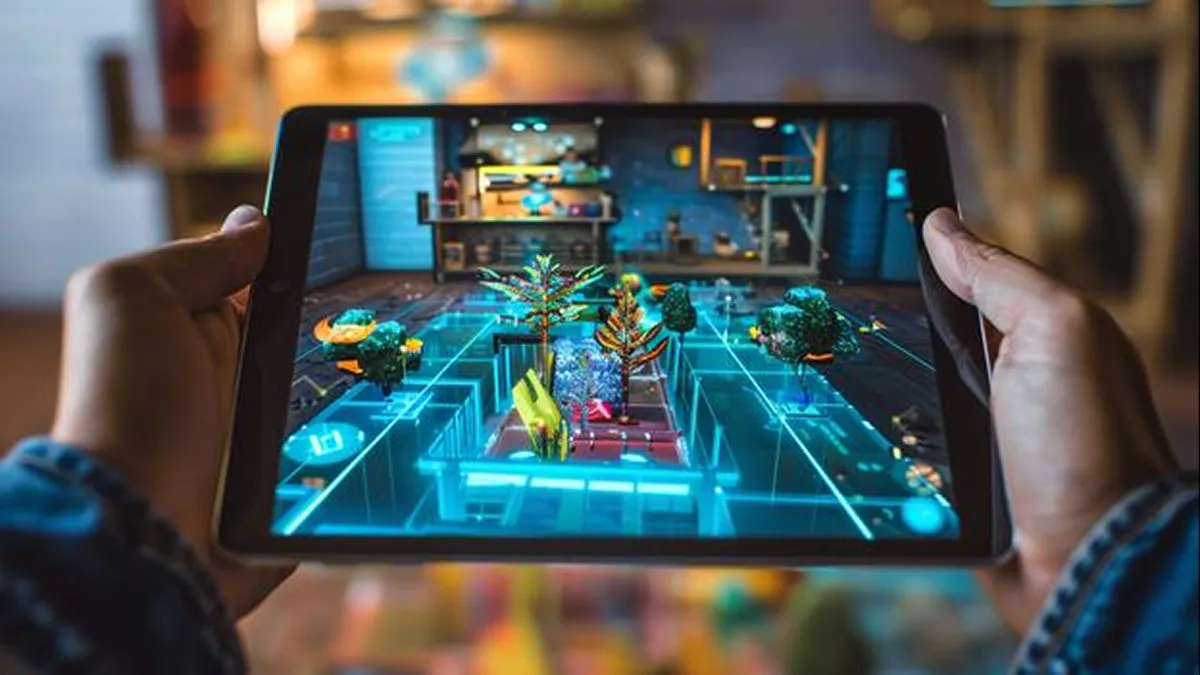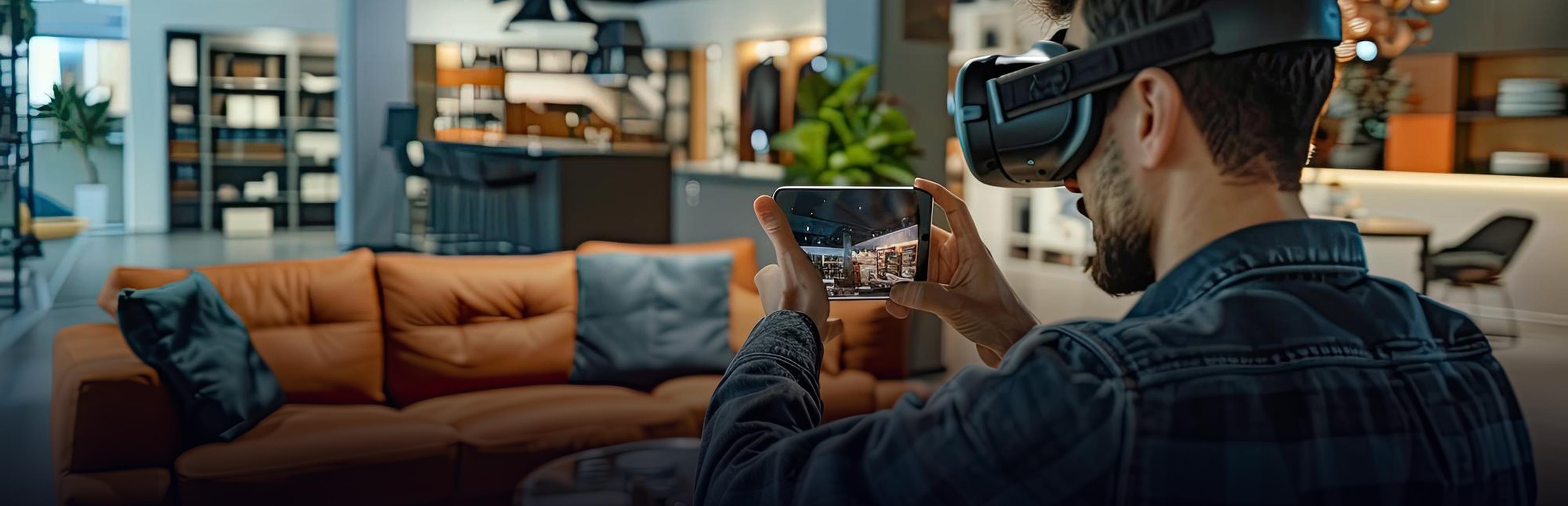
Augmented reality is an overlay of digital objects such as pictures, text, or 3D models over the physical world that you can see through your smartphone, tablet, or smart glasses. There are various types, and they primarily vary depending on how the device identifies the position of your content in the world. The three main types are marker-based, markerless, and location-based augmented reality.
This blog describes the features, uses, and differences of each. It is meant for those business owners, marketers, or product developers who want to get into augmented reality app development.
What is Augmented Reality?
Augmented reality, or AR, is a blending of virtual objects into your environment in real time. You see the real world but also the digital layer added on top of it.
For example, the furniture app that overlays a sofa in your living room from your phone's camera is a common case. Navigation apps can project AR directions onto the road in front of you. You've likely experienced AR in some way already: in filters on Instagram, or applications that allow you to see what an object or piece of clothing would look like before purchasing it. For the most part, you just need a supported phone.
What is VR, AR, & XR?
Despite their similarities, the three types are distinct in how they operate.
- AR (Augmented Reality) superimposes virtual elements on the real world through your device. Such elements can be images, labels, or instructions.
- VR (Virtual Reality): Submerges the user into a digital world. The VR headset eliminates much of the real world from the user’s view.
- MR (Mixed Reality): Blends digital objects with the real world so that the digital object can interact with the physical world. For instance, a virtual ball can look like it bounces off a real-life table.
- XR (extended reality): The general term that encompasses all three technologies above.
Thus, AR is just one type of XR. When people say "XR", they may imply one of these technologies or all of them altogether.
Is AR a Kind of AI?
No. An important difference between augmented reality and artificial intelligence: While augmented reality enhances what's happening in the real world, artificial intelligence provides computers with the ability to identify patterns in the data, make predictions, and take action.
However, the two can be integrated. AI can, for instance, enable an AR app to learn to recognize objects, sense the environment, or track facial expressions. This results in more immersive and more reactive AR experiences.
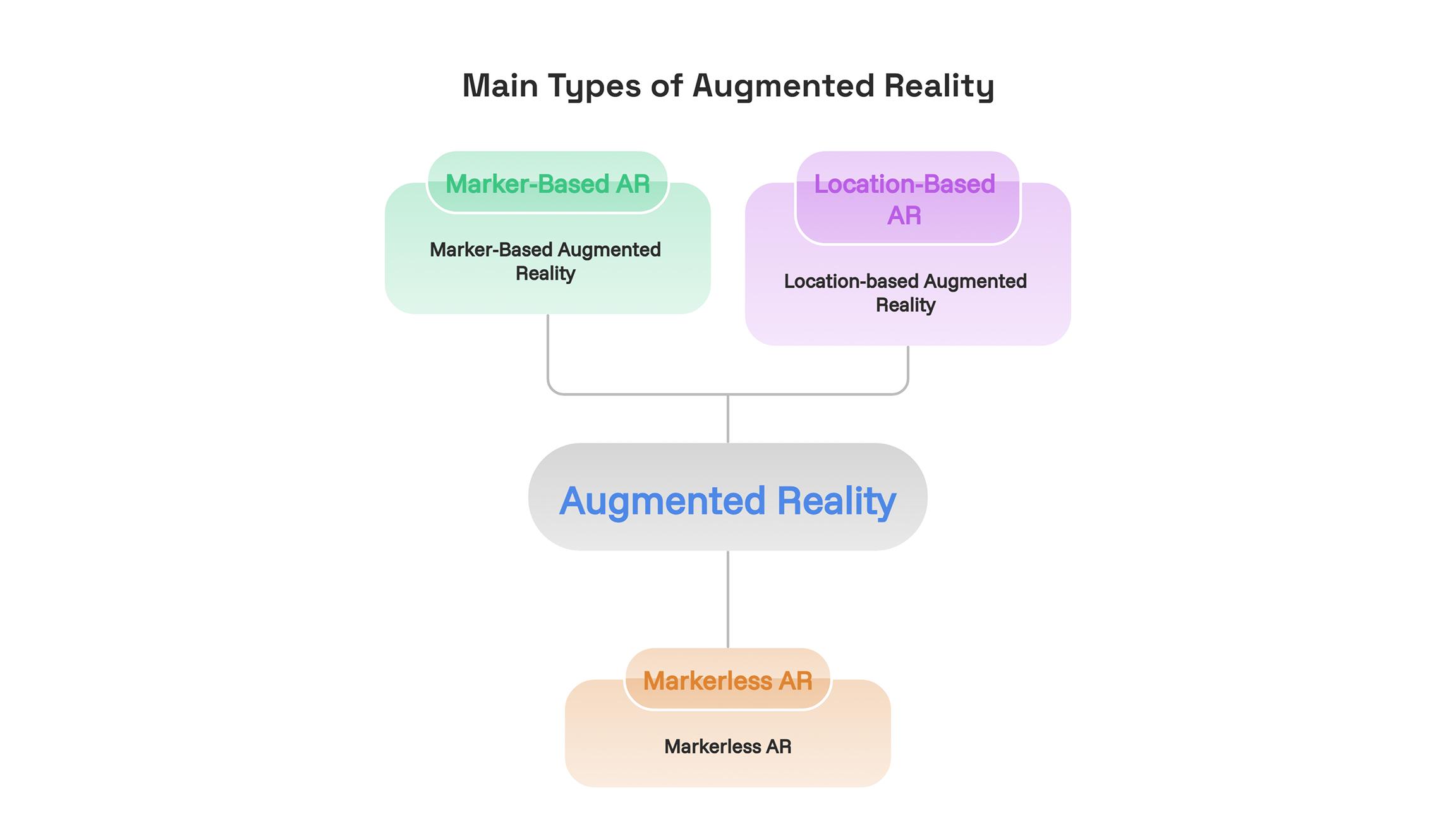
Main Types of Augmented Reality
1. Marker-Based Augmented Reality
A marker-based form of augmented reality relies on a visual cue to trigger the experience. A marker can be anything from a QR code to a printed image or even a product label or poster. Upon detecting the marker, the application recognizes it and displays the content over it.
How it works: The user targets the marker with their camera. The application detects the marker’s position and orientation, and the content displays in the right place.
Use case scenarios:
- Product packages with a video or 3D model display when scanned
- Printed brochures, catalogs, and business cards
- Museum posters and exhibit markers
- Educational manuals with interactive overlays
Advantages: It is reliable and accurate as long as the marker is visible. Development can be simpler, as the marker is the reference point for positioning the content.
Disadvantages: A visible marker is required for the user experience. The quality of tracking depends on the condition of the marker.
2. Markerless AR
This kind of AR does not require a printed trigger. It leverages the sensors and cameras of the mobile device to detect the surfaces of the environment such as the floors, walls, and tables. The application would then be able to place the content on these surfaces.
How it works: The mobile device scans the surroundings and is able to detect surfaces and spatial features. In some cases, it will leverage depth information as well. The user places a digital object that is then tracked while they move.
Applications include:
- Furniture and decor, where shoppers place items in their rooms
- Try before you buy for appliances and equipment
- Previews of interior design and architecture
- Games and filters for social media
- Technical support and training from afar
Benefits: It is versatile because people can utilize it in various environments without the need for printed material. This means that it will be applicable in shopping applications and product visualization.
Drawbacks: Performance is dependent on the device used, lighting, and the environment. For example, tracking might drift in plain environments and dark rooms.
3. Location-based Augmented Reality
Location-based AR technology makes use of a phone’s GPS, compass, and other sensors in order to combine the real-life environment with virtual information, which will appear when a user reaches that particular location or looks towards it through the device's camera.
How does it work? The application analyses the user's current location and direction, sees if there is any content bound to this location, and shows it. More sophisticated implementations might integrate both location and vision tracking into one AR experience.
When does it make sense?
- Outdoor games in which participants visit real locations
- Scavenger hunts and city tours
- Augmented navigation with pointers on screen
- Apps about real estate that show the property data next to a building
- Marketing applications with location-specific offers
Benefits: Helps make locations in the real world more interesting and can be used for tourism, navigation, and exploration purposes.
Drawbacks: GPS may not be able to locate an object accurately, particularly in cases of indoor locations or locations with tall buildings.
Other Types of AR to Know
There are some other types of AR used together with these three kinds.
- Projection AR: Uses projection of images on real surfaces; allows interaction with projected objects. It can be used in industrial settings, commercial displays, and events.
- Superimposition AR: Replaces or enhances parts of the view of a real object. For instance, the internal structure of a machine can be visualized with AR superimposition.
- Outlining AR: Emphasizes edges or boundaries of real objects. For example, the objects can be outlined using a special system so that the user can distinguish them in a certain environment.
These are the classifications based on how AR content is presented or applied. Some applications use more than one method at a time.
Marker-Based vs. Markerless vs. Location-Based AR
Marker-Based vs. Markerless vs. Location-Based AR
| Feature | Marker-Based AR | Markerless AR | Location-Based AR |
|---|---|---|---|
| Trigger | Image, QR code, or label | Detected surfaces or spatial features | GPS, compass, and location data |
| Best for | Print, packaging, and training | Shopping, design, and games | Outdoor experiences, tours, and navigation |
| Accuracy | Often precise when the marker is tracked well | Depends on tracking, surfaces, and device capability | Depends on GPS, sensors, and visual alignment |
| Build effort | Often lower for simple experiences | Medium to high, depending on features | Medium to high, depending on mapping and tracking |
| Works anywhere? | Where the required marker is available | In suitable environments supported by the device | Where location data and relevant content are available |
Many real apps combine two types. A shopping app might use markerless AR to place a product in your home and marker-based AR to scan the packaging.
How to Choose the Right Type of AR
Focus on the objective first, and not on the technological aspect. Answer these questions before settling for any particular approach.
- In what environment will it be used? At home, in a shopping space, outside, or even in a production setting. This will define the kind of tracking required.
- What would trigger it? Is there already content that needs scanning? Or does it mean letting the users freely place something anywhere within their environment?
- How accurate does it need to be? Machine training overlay would definitely need higher precision in positioning compared to a simple filter for promotional purposes.
- What devices are in the hands of your audience? You have to know their phone model, the operating system, and the cameras in their phones.
- Budget and time frame? The simpler the solution, the less time and cost needed. For instance, an approach based on markers takes less time to develop than a sophisticated one based on location.
If uncertain about your choice, start by piloting the experience. Gather user feedback and iterate on the improvement.
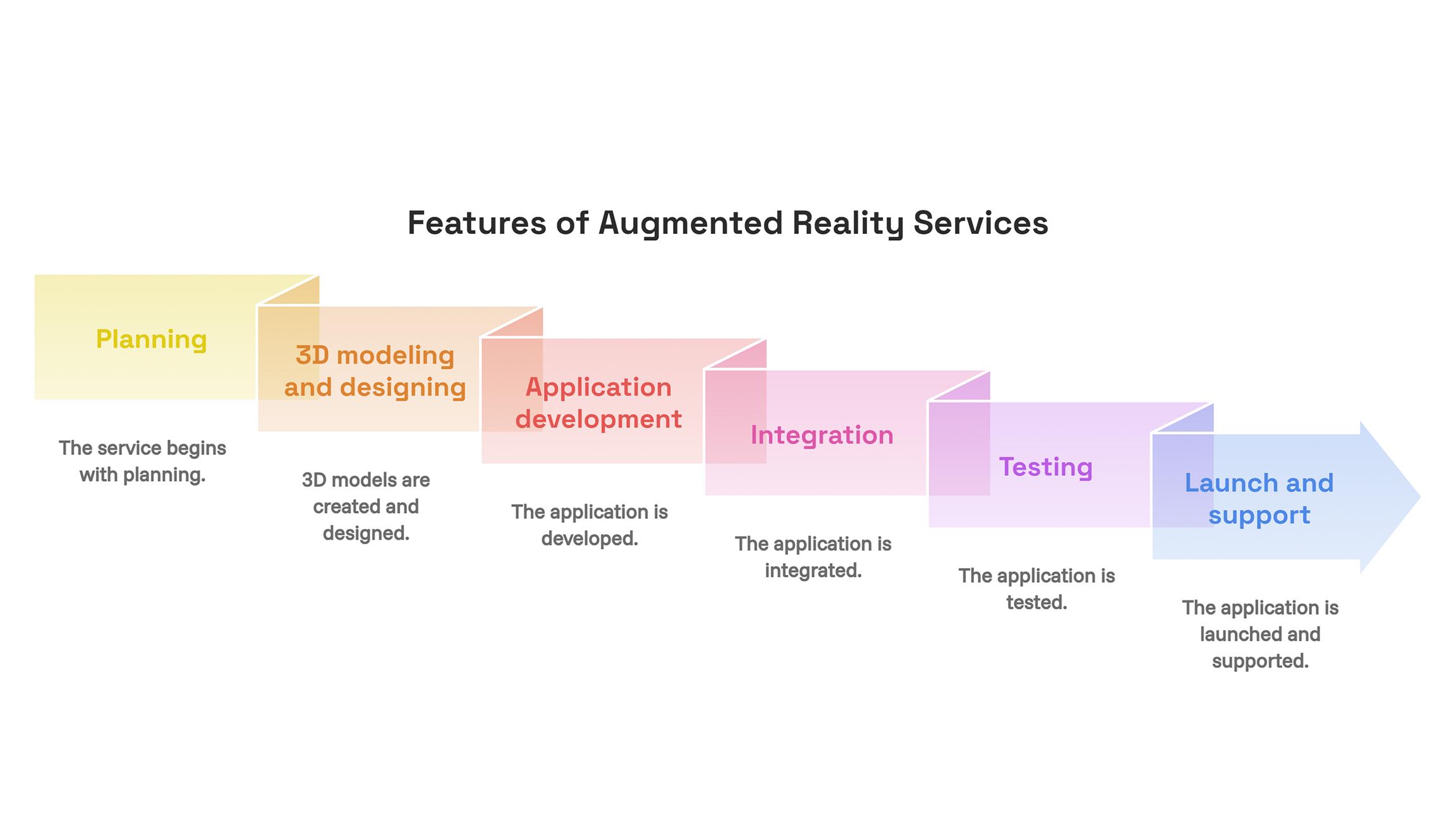
Features of Augmented Reality Services
Quality Augmented Reality Services provide the whole process, not just coding. According to the specifics of a project, these services can include:
- Planning: specifying goals, users, and the best possible way of implementing augmented reality.
- 3D modeling and design: creating or improving 3D models and the user interface.
- Application development: developing an experience for iOS, Android, or any supported web platform.
- Integration: integrating the experience into a store, CRM system, or product database.
- Testing: testing tracking capabilities, performance, usability, and compatibility with all supported devices.
- Launch and support: launching the experience and providing updates, fixes, and improvements.
When choosing an augmented reality development company, it is important to pay attention to its projects related to augmented reality, supported platforms, development process, and testing procedures. Besides that, it is vital to know who will be the owner of the source code and 3D models.
Typical AR Application Development Issues
Sometimes even the well-prepared application can encounter various technical or usability issues.
- Bad tracking: Poor lighting conditions, reflective surfaces, or lack of features can lead to content drift.
- Large 3D files: They can affect the performance of an application; the files have to be optimized.
- Various devices: Not all phones are equal in terms of camera, processing, and sensors.
- The first-time user: Some users may have difficulties understanding how to scan markers, detect the surface, or place an object; proper guidelines would help in such a situation.
- Camera and location permissions: They should be addressed correctly to avoid any privacy issues; besides, an explanation of what information the app will collect is required.
A proper development strategy will deal with those problems at the stage of planning.
Conclusion
Augmented reality has different types that will suit various project needs. Marker AR is ideal for print, packaging, and training projects. Location-based AR can be utilized for tourism, treasure hunts, outdoor games, and augmented navigation purposes. The best choice for installations, product visualization, and virtual rooms and furniture placement is markerless AR.
Your decision about the kind of AR at an early stage can help you avoid unnecessary costs connected with the features you do not need. Think about where and how your target audience will use it and on what device.
Written By Charu Sharma