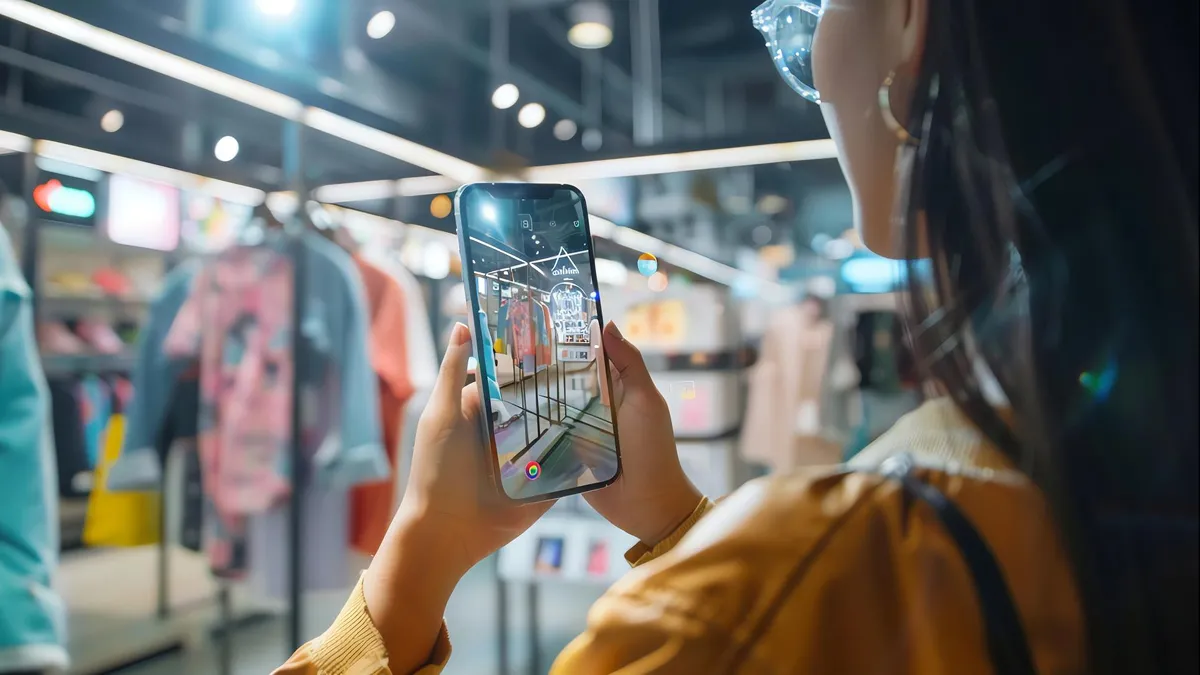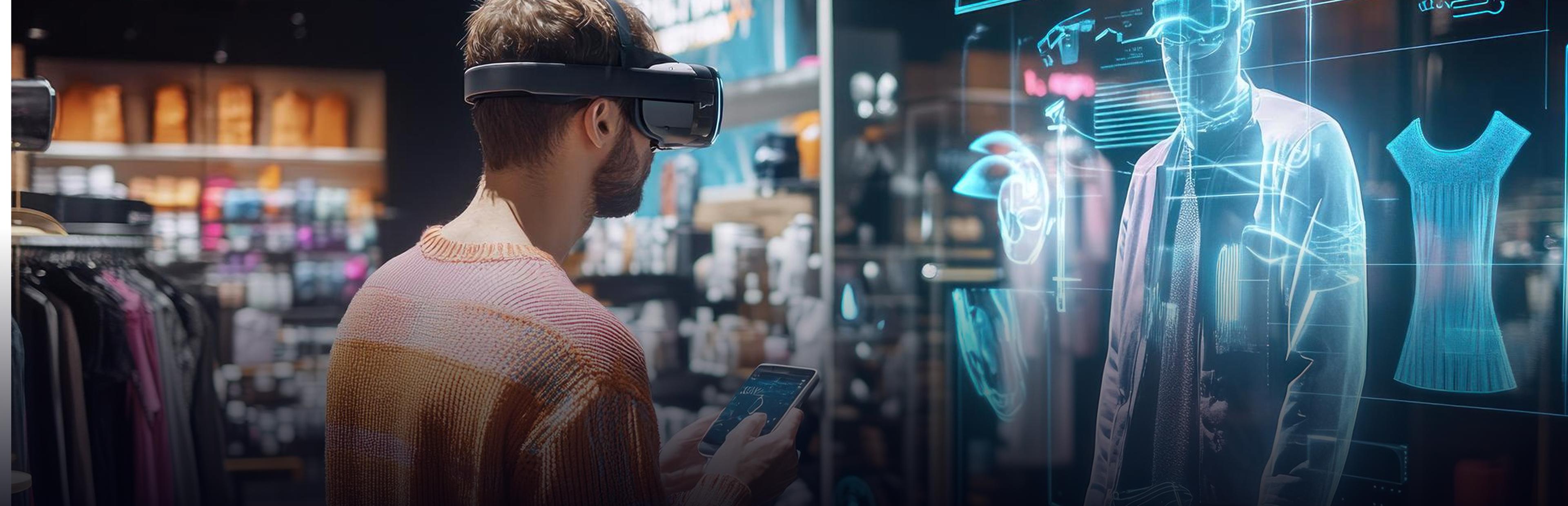
The buyer cannot touch the sofa, put on the eyewear, or measure the machinery for their warehouse door. They make a guess. The guess can go wrong, and they will send back the product. Augmented Reality in E-commerce helps minimize guesswork. Using the phone camera, the buyer will be able to put the sofa in their living room, try the glasses on, or see the machinery in its entirety.
This blog explains the implementation of augmented reality in the online store, what use cases are appropriate for what kinds of businesses, how to implement it, and how to measure it. This book is intended for e-commerce owners, product managers, and business-to-business (B2B) sellers who want to incorporate augmented reality in their business.
What is Augmented Reality in E-commerce?
Augmented reality is the addition of digital elements to the real environment, viewed via the phone, tablet, or smart glasses screen. In the case of e-commerce, the digital elements are 3D models of the products.
How AR Shopping Experiences Work
Most AR shopping solutions operate in any of three ways:
- View in your space: Place a 3D product in your room via the camera.
- Virtual try-on: Face, hands, and body tracking enables trying on glasses, makeup, watches, and clothes.
- Browser preview: Open a 3D product model from its web page and view it using AR without downloading anything.
An augmented reality ecommerce app provides all three types of functionality within your mobile app. In the case of a browser-based AR solution, there is no need to install anything. Which solution to choose depends on your customer base and your preferences.
How Is Augmented Reality Used in Businesses?
AR technologies are not only used in e-commerce. Here are several areas where companies use augmented reality solutions:
- Retail: Product preview, try-on, and navigation in the store.
- Manufacturing and field services: Instruction steps displayed right on the device.
- Training: Employees perform tasks according to step-by-step instructions displayed on screen instead of manual reading.
- Real estate and interior design: Customers visualize furniture in an empty room.
- Sales: Prospects visualize large-sized machinery in real life, either at an event or in their own facility.
- Remote assistance: A specialist can view the same image as a technician and mark it up on their screen.
For online selling, the main task is to ensure buyers have confidence when placing orders. In addition to the try-on functionality, augmented reality services are useful for demonstrating equipment and training.
What Are the 7 Types of E-commerce?
The list may differ, but here is one of the most common:
- B2C: A business-to-customer transaction takes place.
- B2B: Business-to-business commerce happens.
- C2C: Customer-to-customer exchange happens via an online marketplace.
- C2B: Customers sell products or services to businesses.
- B2A: Businesses make deals with authorities.
- C2A: Customers sell services to authorities.
- D2C: Brand-to-customer transaction occurs.
AR technologies appear most often in B2C and D2C transactions, where customers want to view products before buying them. They are helpful for B2B e-commerce, where buyers should check the size and fit of expensive equipment.
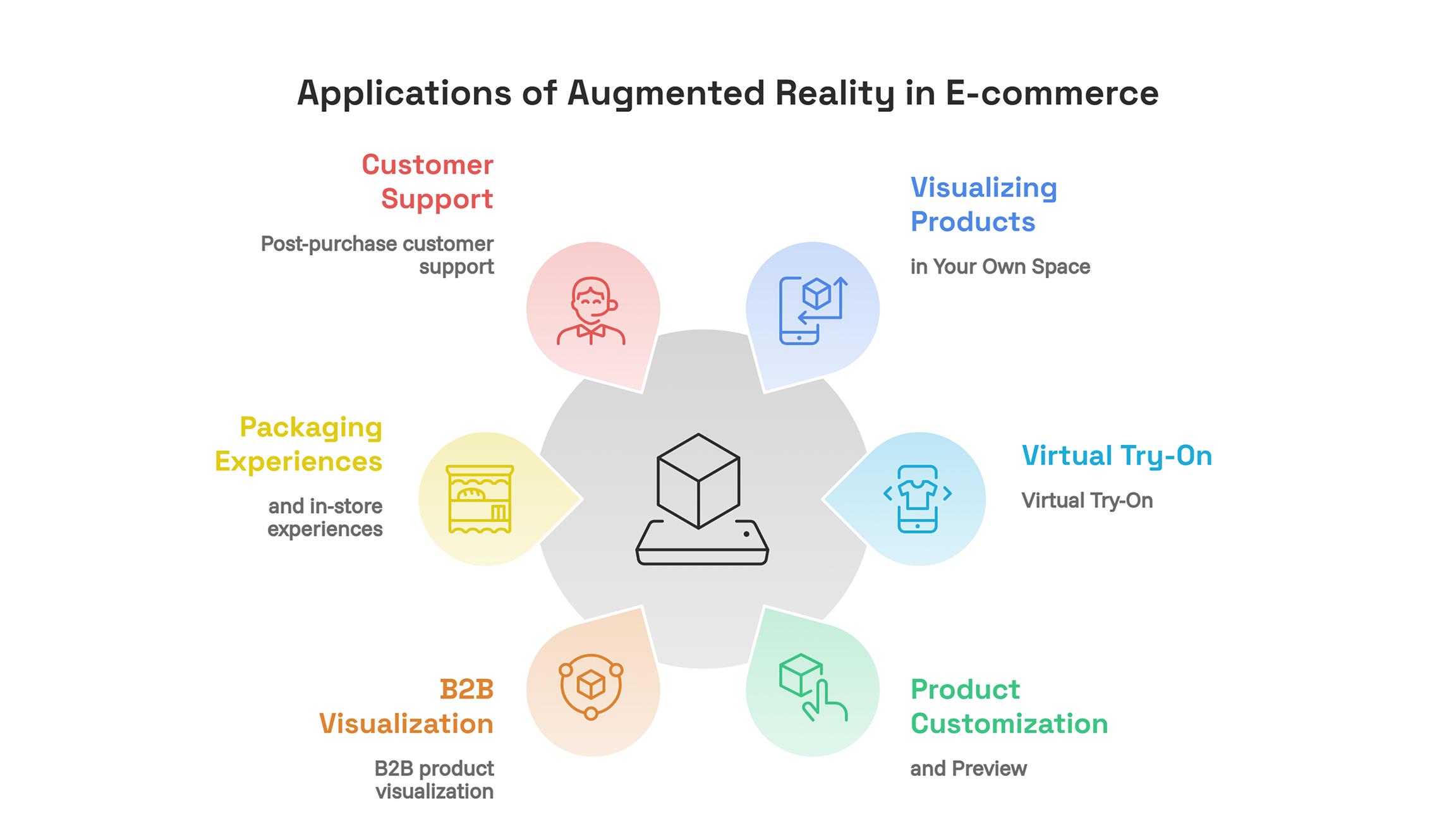
Applications of Augmented Reality in E-commerce
Visualizing Products in Your Own Space
Furniture, household appliances, lighting fixtures, paintings, and decorations will fit. The customer needs to aim the camera at the room and visualize the product at real size. Thus, one can see whether the sofa matches the wall and will fit into it, whether the color is right, or whether the lamp is too tall. It is one of the most useful applications of augmented reality e-commerce, since such products are very difficult to estimate by pictures.
Virtual Try-On
Eyewear, jewelry, watches, footwear, and cosmetics go here. The application identifies the face or body part, and then the product is overlaid. This is great for style choices but cannot ensure the fit and quality of the material. Be ready to manage expectations.
Product Customization and Preview
Augmented Reality goes perfectly with product configurators. The client selects fabric, finish, or size of the item and sees how it looks in his room. So, one can customize the upholstery of a sofa and get a preview before buying it.
B2B product visualization
The buyer can put the machine into his premises at the real size and check all the clearances, access points, and arrangement before ordering. This can help with the sales discussions and eliminate the need for some preliminary site visits. Augmented Reality Services can be used to create accurate models of complicated products.
Packaging and in-store experiences
A QR code on the package or the shelf tag can launch the AR experience with instructions for setup or demo. Thus, you integrate your physical store with your online store.
Post-purchase customer support
AR will help customers assemble or set up the product. Correct visual instructions might lower support costs because of errors.
Benefits and Limitations of AR in E-commerce
AR might help consumers understand better what they buy and facilitate their decision and lower questions. Besides, AR can give your store a modern look.
However, AR has constraints:
- Not all products require AR. A cheap and simple product probably does not require it.
- Bad-quality 3D models damage your reputation. A fake-looking product means that the whole store is not reliable.
- Not all devices have equal compatibility. Older phones might not work with certain aspects of your feature.
- Success is not assured. The impact of the feature on your sales and returns will depend on your product, pricing, target demographic, and implementation.
Focus on solving a particular shopping dilemma using AR. An effective augmented reality e-commerce solution will improve customer convenience without adding additional steps.
How to Implement Augmented Reality in E-commerce
1. Identify the Customer's Shopping Challenges
Figure out what causes hesitation among your customers. Is it the size of the item, its color, or its fit? Select a narrow range of products where showing the context of use would be the most important. Your best-sellers or biggest return items would make a reasonable pilot group.
2. Choose the Right AR Technology
- AR through your website. No need to install anything.
- Mobile application. Higher functionality and better performance. Worth considering if you already have a mobile app or want to do some interactive things.
- Multiple options. Many stores start with AR on their websites and then develop a mobile app.
If your clients are likely to use their mobiles, consider developing a dedicated augmented reality ecommerce app.
3. Build the 3D models
You can use CAD files, photogrammetry, or create the models manually. They must have the correct dimensions, realistic materials and textures, and a small file size. This is the most time-consuming stage.
4. Design the AR Shopping Experience
It should be easy to use. Add a clearly visible "View in your room" button, a few instructions, and a way to go back to the product page. Novice users need guidance on how to scan their space.
5. Integrate AR With Your E-commerce Store
The experience must link back to the product catalog and checkout. The customer must have access to the necessary option settings, price, and the ability to add the product to the cart without repeating the process. For B2B businesses, the result must be sent as a quotation request.
6. Test AR on Different Devices
Test the speed, quality of tracking, and visual effect on different phones, browsers, and lighting conditions. Test the whole process, from the product page to checkout.
7. Start small and iterate
Deploy to a limited number of SKUs or a subset of customers initially. Gather feedback and measure performance until you decide to scale up. Iterate on performance, navigation, and model quality.
How to Choose the Right AR Development Partner
The developer of augmented reality services must be able to cover such areas as planning, 3D model development, software development and integration, and post-deployment support.
Ask them about their experience working with AR solutions in e-commerce. Ask how they optimize 3D models and integrate AR with your platform. Clarify who will own the source code and 3D models. Try out their demos using your mobile device.
The right developer knows not only your catalogue but also the goals of your business. Clarify the scope of work, compatible devices, post-deployment support plans, and deliverables before signing a contract.
Conclusion
Augmented reality in e-commerce allows buyers to visualize their purchase even before making it. This approach requires the problem to be clearly understood, accurate 3D modeling, and seamless integration into your webstore. Begin with a small test, compare it with the baseline, and scale up once successful.
Whatever it may be- browser view, augmented reality ecommerce application, or complete augmented reality services- the first thing you need to do is figure out which items will benefit most from visualization.
Written By Charu Sharma