VR training for manufacturing is a way to enable employees to practice the real work in a factory simulator before they start working on the actual machinery. An operator can learn a machine, a technician can role-play repairs, or a new worker can go over safety rules without risking an accident or stopping the line.
In this guide, you will learn about the most relevant applications of industrial virtual reality on your shop floor: onboarding, working the equipment, assembly, safety, inspection, maintenance, layout, emergency, remote collaboration, and more. You'll also see real manufacturer use cases, the benefits to plan for, and the lessons to learn when deploying it to your shop.
What VR Training for Manufacturing Looks Like
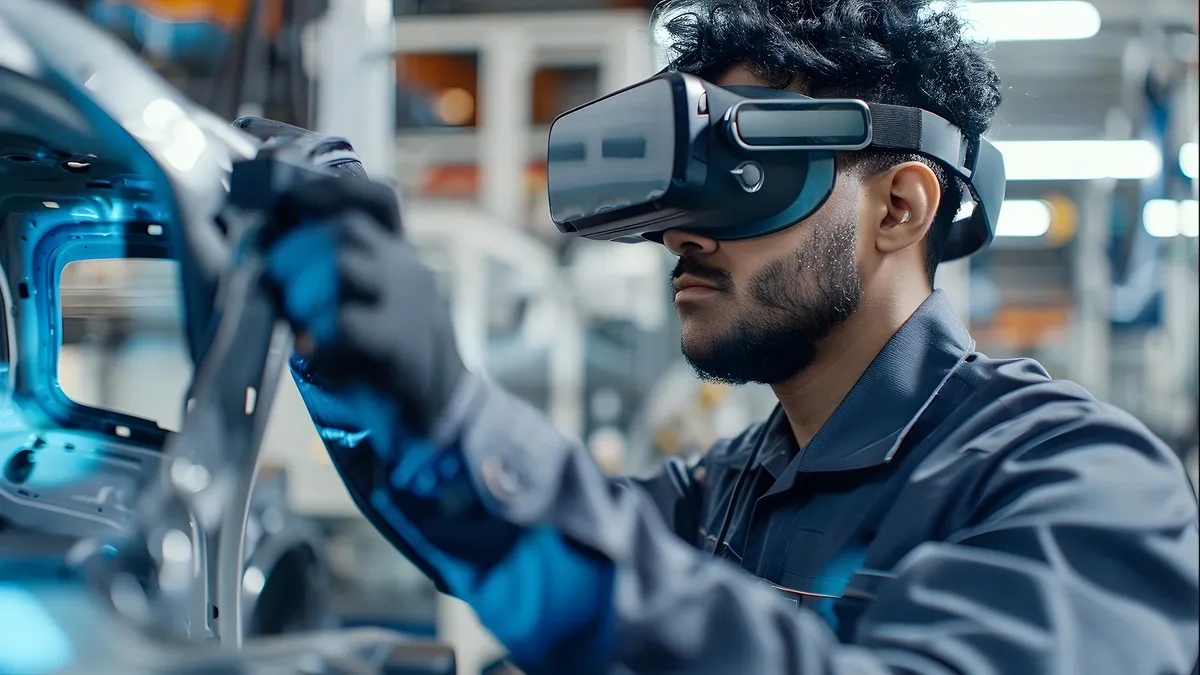
In "virtual reality training in manufacturing", a worker puts on a headset and steps into a simulated plant, line, or machine. They can perform tasks through controllers or as a hand-tracking experience, like preparing a press, replacing a part, or disconnecting a power source. Virtual reality evaluates every operation, responds, and logs the completion.
The difference between industrial virtual reality and augmented reality is one. With Virtual reality, your environment is replaced, so it's great for work that is dangerous, costly, or rare. AR overlays your environment so that the work can take place on the actual machine. Many plants use bots; this post focuses on VR.
Why Manufacturers are Adopting VR Training
Just like any other production process, there are various problems that manufacturers have to deal with. For instance, it is getting harder to attract, train, and keep competent workers. In addition, operators are required to be able to use new equipment while at the same time educating other people.
It is also possible for accidents to occur in places with moving machines, dangerous substances, and chemicals. The larger the range of products becomes, the more new processes and equipment changeovers operators have to learn.
VR for Manufacturing tackles these issues through the creation of safe virtual environments for the practice of operating machines and coping with different scenarios, as well as recording the experience of skilled workers for future generations of employees to watch.
VR Training Use Cases at a Glance
| Use case | What workers practise | Main value |
|---|---|---|
| Onboarding and skill development | Role-specific tasks and plant rules | Faster time to competence |
| Machinery operation and maintenance | Controls, set-up, servicing | Equipment stays in production |
| Assembly and production processes | Steps, sequence, changeovers | Fewer assembly errors |
| Safety and hazard simulation | Lockout hazards, PPE | Safe practice of risky tasks |
| Quality control and inspection | Checks, defect spotting | Consistent inspection |
| Equipment handling and troubleshooting | Fault diagnosis and repair | Shorter downtime |
| Factory layout and workflow | Walk-throughs of planned changes | Fewer layout mistakes |
| Emergency response | Fires, spills, evacuations | Team readiness |
| Collaborative and remote training | Shared sessions across sites | Consistency and less travel |
Pooling and remote training: Shared training across sites; consistency and less travel
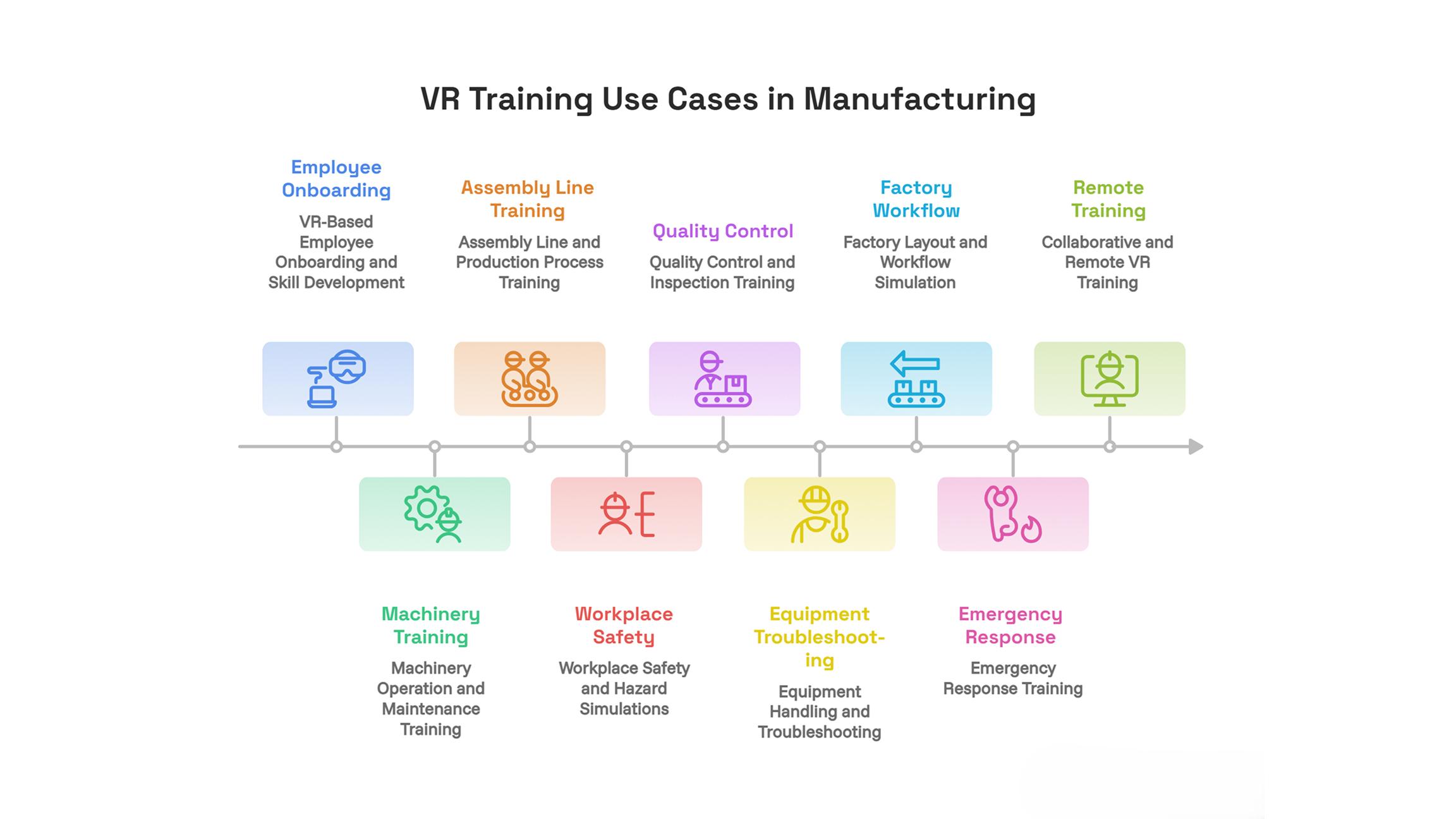
VR Training Use Cases in Manufacturing
VR-Based Employee Onboarding and Skill Development
The plant can be trained before the worker steps onto the line. A module can present the environment, safety guidelines and protective equipment, and the job tasks sequentially with reinforcement. Experienced workers no longer have to stop the line to teach each new worker.
The same system allows employees already on board to "fill in the gaps" and begin training for a new role or to learn a new product. Lessons in the system are the same from one location to another. A new employee on a small site learns the same lessons as someone at the main plant.
Week one plan could be: day one plant tour and safety rules in VR; day two role tasks completed with scored practice; day three supervised session on the line. At the end of the week, the supervisor already has data on what each new hire struggled with.
Machinery Operation and Maintenance Training
Operators are allowed to try controls, practise start-up and shut-down sequences, set-up and changeover on a virtual machine. This keeps costly equipment up and running and out of the hands of learners, and prevents equipment from getting damaged by novices. By practising inspections, replacing parts,s and lubricating the equipment, the technician can rehearse the routine and work through jobs that they might rarely get to perform. They can repeat the job over and over until it is second nature.
Assembly Line and Production Process Training
Assembly work requires sequence, precision, and pace. With VR, trainees are able to follow the sequence of an item, know the placement of each part, and understand the consequences of skipping a step. This provides immense value for situations where the same assembly line produces multiple variants of a product.
For example, a trainee assembling a gearbox virtually will select each part from a virtual container and assemble it in sequence. If the right fastener isn't used or a torque step is missed, the simulation alerts the user and allows them to reassemble it. They can do it repeatedly until it becomes second nature before any real parts are ever involved.
Trainers may also want to role-play changeovers, line start ups and shift hand overs where often the errors occur.
Workplace Safety and Hazard Simulations
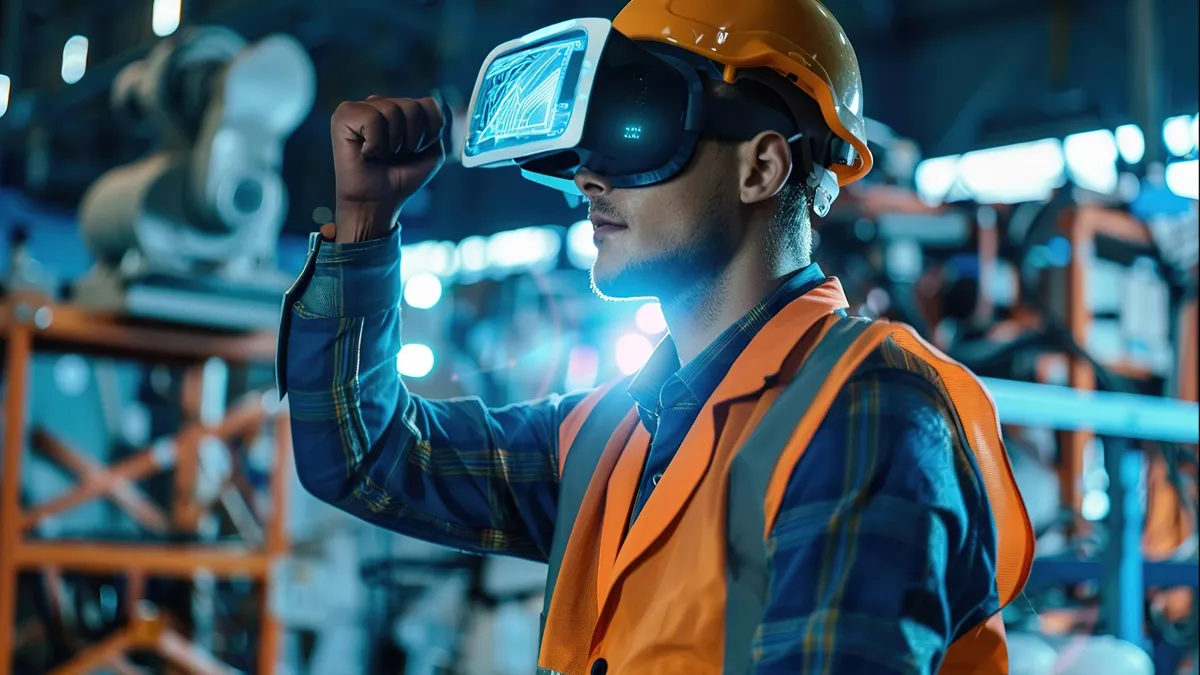
VR training is the most popular "why". One of the most common reasons an employer begins training in VR is as a safe way to practice procedures. Employees can safely train on lock-out/tag-out, guarding, working safely around moving equipment, safe lifting, and handling chemicals.
It adds unexpected events that are unlikely to occur in real life, like an omission of a guard, a leak, or a noise coming from nowhere. The trainees are trained to identify hazards, not just process steps, and the system records if each energy source was checked and the correct PPE was worn.
Quality Control and Inspection Training
If an inspector is to do a good job, they need to understand what to look for and what constitutes a defect. Using VR, parts, gauges, and examples of defects can be visualised in 3D, including seldom-seen defects. Trainees then complete the inspection task and receive instant feedback on their performance.
Since every trainee views the same samples, this helps keep the inspection standards more consistent from person to person and shift to shift. Trainers can also be used to evaluate judgement by placing good and bad parts together, then noting how many defects the trainee catches, and how many good parts they throw out. This provides a clearer picture than passing a written test.
Equipment Handling and Troubleshooting
Every minute the machine is down is costing money. Using VR, technicians can simulate fault-finding on a digital twin (virtual copy of the machine). They follow alarms, check values, and pick the right solution, all without risking damage or downtime.
Faults can be introduced in any order by trainers, which means that technicians learn to work out a fix rather than memorize one.
Factory Layout and Workflow Simulation
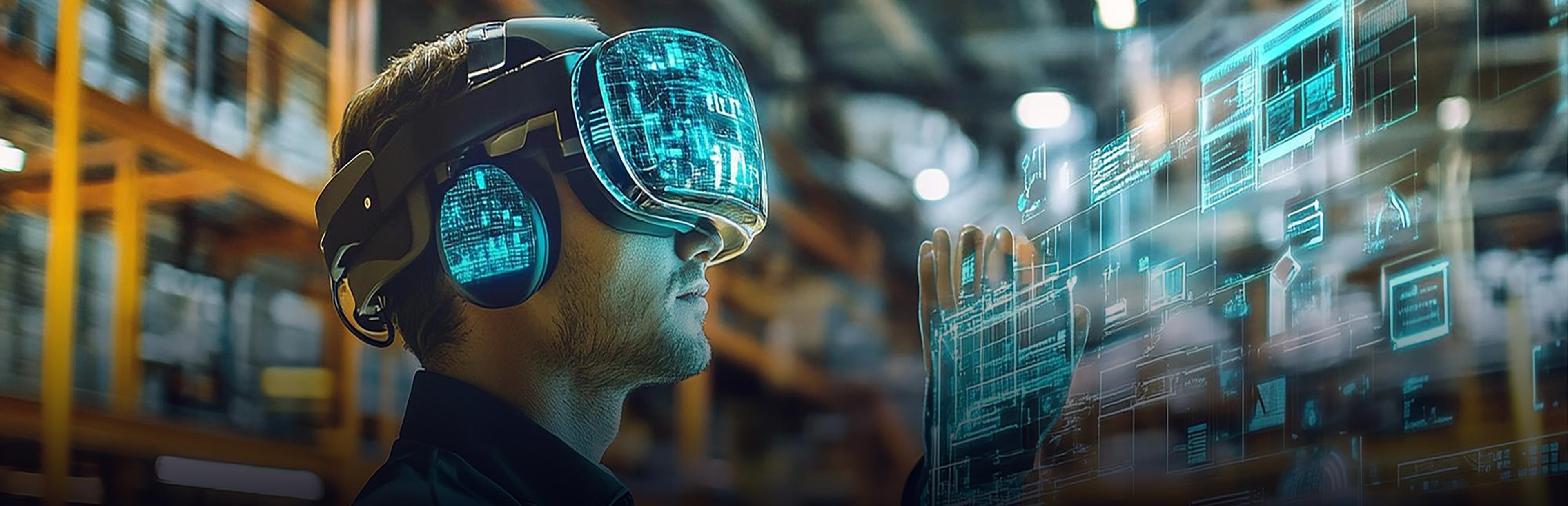
VR isn't just for training teams. They can virtually navigate through a 3D version of a new layout to see how material and people will flow, and identify bottlenecks before any equipment is moved. They can provide input on access, reach, and safety, and make modifications cheaply.
For example, the plant moves its packaging line. Walking the design before the floor is painted reveals that the forklift route runs through the pedestrian walkway. Moves workers relocate the walkway, and operators receive VR training on the new layout before the move.
Emergency Response Training
In the workplace, fires, chemical leaks, power outages, and evacuations happen infrequently, and rehearsing for these in the real world is unlikely. With VR, your team can run through simulated events, assume the role of incident lead, first responder, assess hazards, and learn how to announce hazards concisely. All while reviewing the recorded activity.
Collaborative and Remote VR Training
Shared VR sessions can put training team members from different locations in the same environment. An expert can run an individual or team through a procedure, monitor their work, and give feedback, all without leaving their base. This works well for groups with multiple plants, where a lack of experts and differing training processes can pose a problem.
Real-World Manufacturing Examples
Here's a rundown by VR Owl, a VR studio, of several high-profile companies using VR. These are merely the studio's own summaries, so take them as samples, not empirical data.
- Ford says it has been training its technicians to learn how to fix EVs in VR, in part due to the dangers of high voltage for inexperienced technicians.
- Tata Steel is using VR to train operators before they go on expensive equipment in dangerous environments and at the same time freeing up the equipment for production.
- BASF is said to use VR for workplace safety training, with the same courses accessible to all employees regardless of where they are.
- Boeing said he trains technicians in aircraft maintenance, working to deconstruct it and repeat it until mastery has been achieved.
- BAE Systems uses VR for factory design and production planning, allowing engineers to collaborate and experiment on a simulated plant floor.
Benefits of VR Training in Manufacturing
- Safer learning. Employees learn risky duties without any risk.
- Less interruption. Machines are always running, and people are training.
- Standardised instructions. All trainees receive the same instructions and examples.
- Quicker skill acquisition. Learners can repeat their tasks until they master the skill.
- Improved information. You have a record of time, errors, and hesitation so you can identify those who need to practice more.
- Deployment at scale. A single module can be used by multiple sites and be managed centrally from a single place.
- Reduced burden on specialists. Higher-level staff don't have to repeat presentations.
Results are influenced by the degree to which the simulation mirrors the real-life equipment and processes, so these advantages are not guaranteed.
Measuring Results
Before the pilot begins, agree on the data to be collected and document a baseline. Some examples of appropriate measures are:
- A new operator is about to pass the standard output.
- Batch productivity per trained employee.
- Assessment scores and number of retakes of the simulation.
- Reports of near misses and incidents by the educated group.
- Provides hours of saved trainer and expert hours.
Compare a pilot group to a similar group that has been trained in the normal way. That is the most definitive way to demonstrate that you are getting a return on your VR investment in your plant.
Implementation Challenges
VR can be helpful, but be prepared for these challenges:
- Upfront costs. Content and headsets all need to be purchased, and a small user group might not make for a decent custom build.
- That content is reliable. A simulation that diverges from your actual machines risks teaching bad practice. Must be validated by content experts to ensure it matches your actual equipment.
- Restricted "hands-on" sense. The force or "feel" of real tools is not possible in VR, so supervised practice is required.
- Space and hardware. Space needs to be provided for users, and the equipment needs space for charging, cleaning, and maintenance.
- Uncomfortable. VR can make some people dizzy, so keep it brief and allow others to pause.
- Integration. To connect to your learning system, network and security rules require the help of IT.
- Updates. Processes and tools evolve, so content requires a maintenance strategy.
How to Get Started with VR Training
- Select a workflow. Identify a task that is dangerous, time-consuming, or difficult to teach, such as lockout or an important machine set-up.
- Get trainers and operators involved. They're the ones who know where training is not enough.
- Choose ready-made or custom. Pre-configured units are the quick choice for common subjects. Custom content requires your own equipment.
- Establish benchmarks initially. For example: time to competence, assessment scores, number of errors or incidents.
- Test with a single team as a trial. Seek feedback and resolve queries.
- Rely and grow. Integrate with your LMS, then expand with additional modules and sites as you gather outcomes from your pilot.
Working with a Simulation Training Partner
If you are looking for assistance in designing modules around your own machines and processes, seek a provider of industrial simulation training who offers content creation, 3D development, LMS integration, and support. Request samples from manufacturing, update management, and details of what a pilot entails.
Conclusion
VR training for manufacturing is changing how businesses train their workers for real-life production challenges. The process could cover everything from machine operation and assembly to safety, quality inspection, and response to emergencies. However, effective VR training in manufacturing relies on knowing which use cases to pick, how to design realistic simulations, and how to create the training modules that reflect the actual work in factories. The best way for manufacturers to make this work is to conduct a pilot study, evaluate the performance of the employees, and use the findings to scale up. Hiring an experienced industrial simulator may also help manufacturers simplify the work of developing and implementing VR training programs.
Written By Charu Sharma