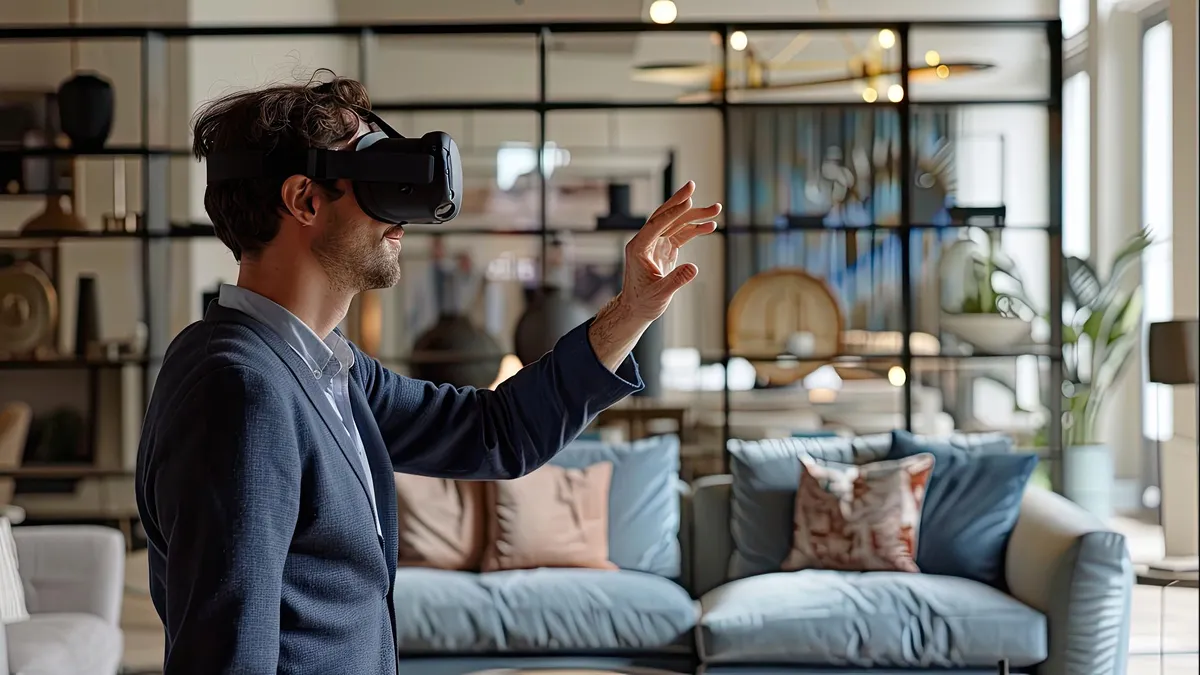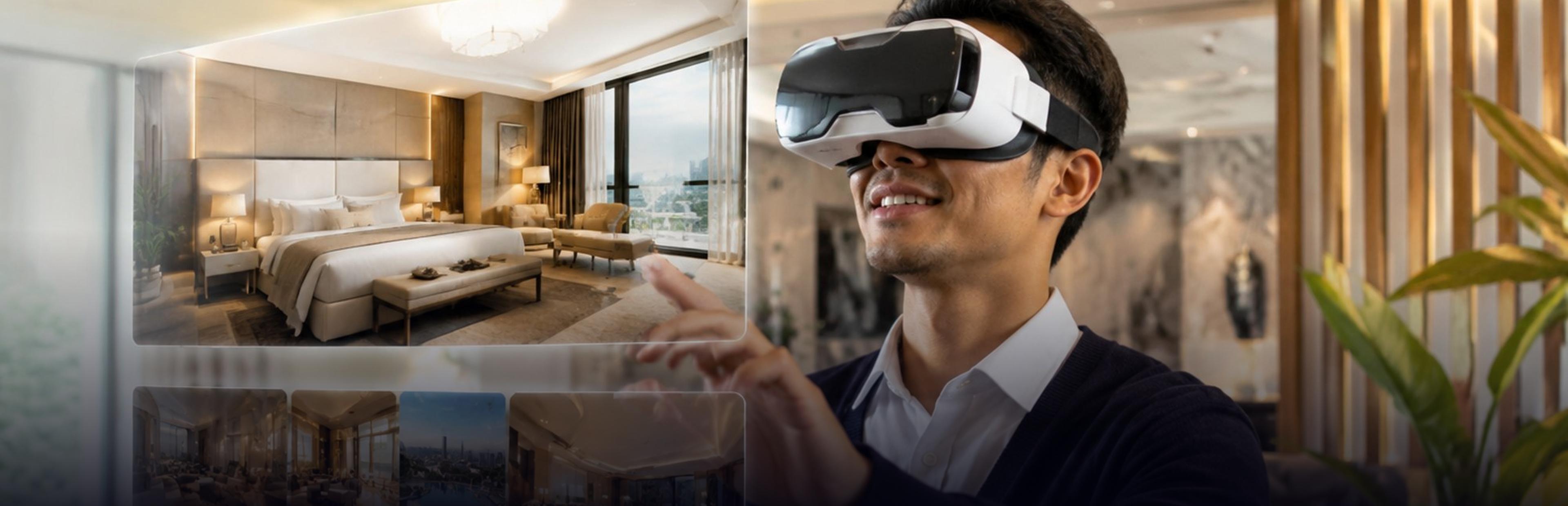
Interior VR tours enable the visitor to explore a room, apartment, office, or showroom in virtual reality even before the object is constructed, furnished, or even visited. Interior VR tours utilize 3D models, realistic lighting, and interactive features, so the user can explore the space in full size, move inside it, and usually change materials and furniture instantly.
This article will describe what interior VR tours are, how they work, what technologies underlie interior VR tours, and will compare 360° tours and interactive VR tours. Moreover, we will talk about what features a VR tour should have to be successful and which industries use interior VR tours.
What Are Interior VR Tours and How Do They Work?
An interior VR tour is an interactive and immersive representation of an indoor space that people can visit via a headset, desktop computer, or smartphone. Instead of static 2D visuals, the user sees immersive images of a room where they can explore the space in detail: see the ceiling height, dimensions of a room and corridor, and distances between the elements.
Almost all interior virtual reality tours go through the same pipeline:
- Source material. The tour begins with the design files (CAD, BIM, or SketchUp), floor plans, sketches, or scans or photographs of the already existing room.
- 3D modelling. Artists create or clean the model by adding walls, openings, fixtures, furniture, and other details.
- Materials and lights. All kinds of materials and lights are added, which make surfaces look like wood, stone, fabric, glass, etc., and which give the feeling that the rooms react to daylight and lamps.
- Game/real-time engine. The created scene is uploaded to the game/visualization engine, which renders it based on the viewer's movement.
- Interaction design. Navigation, hot spots, menus, and some additional interactions like material changes are being added.
- Publishing. The tour is published to headsets, desktop, mobile, or web platforms.
The result of this process is a tour that the viewer controls himself, not some video.
360° Virtual Tours vs. Interactive VR Walkthroughs
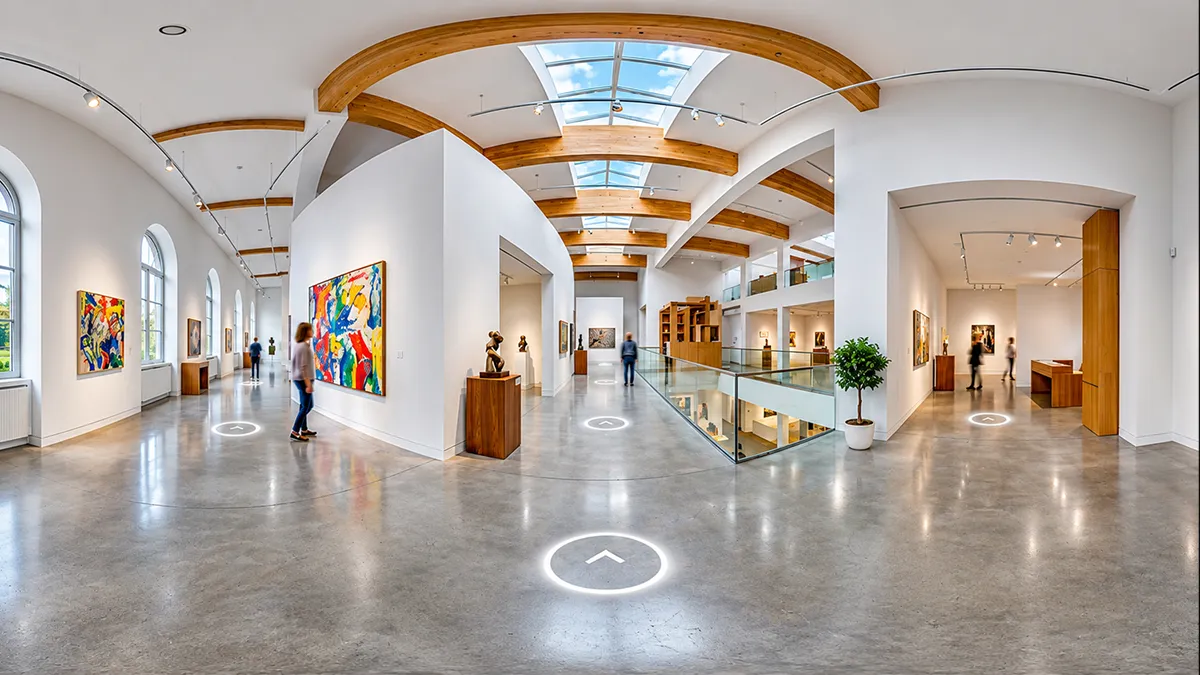
One term that is frequently applied to refer to two very different experiences is "virtual tour." Matterport, a company specializing in capture technology, provides some useful definitions. According to Matterport, the 360° walkthrough combines several panoramic views, while a 3D tour includes a sense of depth.
| Feature | 360° virtual tour | Interactive VR walkthrough |
|---|---|---|
| Source | Panoramic photos or rendered panoramas | A full 3D model of the space |
| Movement | Jumps between fixed viewpoints | Free movement through the room |
| Scale accuracy | Limited | True to scale |
| Interaction | Hotspots and basic navigation | Objects, materials, lighting, and layouts can change |
| Best for | Quick online previews, existing properties | Design review, pre-construction, showrooms |
| Production effort | Lower | Higher |
| Hardware | Any browser or phone, headset optional | Headset, desktop or mobile, depending on build |
Neither approach works better than the other in all situations. The 360° virtual tour is quick, inexpensive, and shareable, making it well suited for an existing apartment or hotel room. The walkthrough is more expensive, but allows people to explore an imaginary space and change its design. Many projects involve both: a 360° tour for wide distribution and a walkthrough for decision-making by the client.
The Technology Behind Interior VR Tours
3D Interior Modeling and Real-Time Rendering
The process of 3D modeling creates the interior bit by bit: the building structure, its windows and doors, joinery and fixtures, furniture and decoration. Models can be designed using architectural drawings, by designers, or scanned from an existing interior. Afterward, models are optimized for real-time performance, which includes lowering polygon count, meshing, and hiding unnecessary details.
Existing spaces and newly designed spaces are created in different ways. For an existing space, a scan or a series of photos will provide the actual geometry and finishing touches, but the information usually has to be cleaned up and reconstructed into something usable. In the case of a newly designed space, the model would be created using CAD or BIM files, which define the design intent but require materials and lighting optimization.
Real-time rendering means that a virtual scene is rendered several times every second as the user moves around in it. This is unlike offline rendering, which is typically done for static scenes and may take minutes or even hours for a single image. The VR experience requires a consistent frame rate, which means that both the model and the lighting must be optimized.
Realistic Lighting, Textures, and Materials
Of all the factors that contribute to realism, lighting and materials are the most important. In a tour, we should have:
- Physically based materials. Materials like wood, metal, marble, or cloth reflect and absorb light in a realistic manner.
- Quality textures. These include scanned textures and images that provide grain, weave, and wear.
- Natural and artificial lighting. Lighting in a room creates mood through daylighting, shading, lamps, and reflections.
- Baked and real-time lighting. Complex lighting can be precomputed to save time, and only the important lights remain dynamic so that the user can turn them off.
- Elements that sell scale. These include skirting, door handles, shadows, and small objects.
However, there is a balance. As you make the environment more realistic, performance decreases.
VR Technologies and Software Used for Interior Visualisation
An example of the typical process would include:
- Modeling software. This software is usually used for designing and preparing models. The software includes Revit, ArchiCAD, SketchUp, 3ds Max, Blender, and Maya.
- Real-time engines. This includes Unity and Unreal Engine, and other software that allows building interactive tours. Also, there is some visualisation software designed for architects that allows them to instantly visualise objects in VR mode.
- Survey tools. Laser scanners, depth sensors, and photogrammetry can be used for visualising existing rooms.
- Headsets and controllers. Headsets could be standalone, PC or mobile VR headset could be used to view the tour.
- WebXR and web viewers. Using this technology, a person will be able to open a tour in a browser without any additional installations.
What should be used really depends on the project.
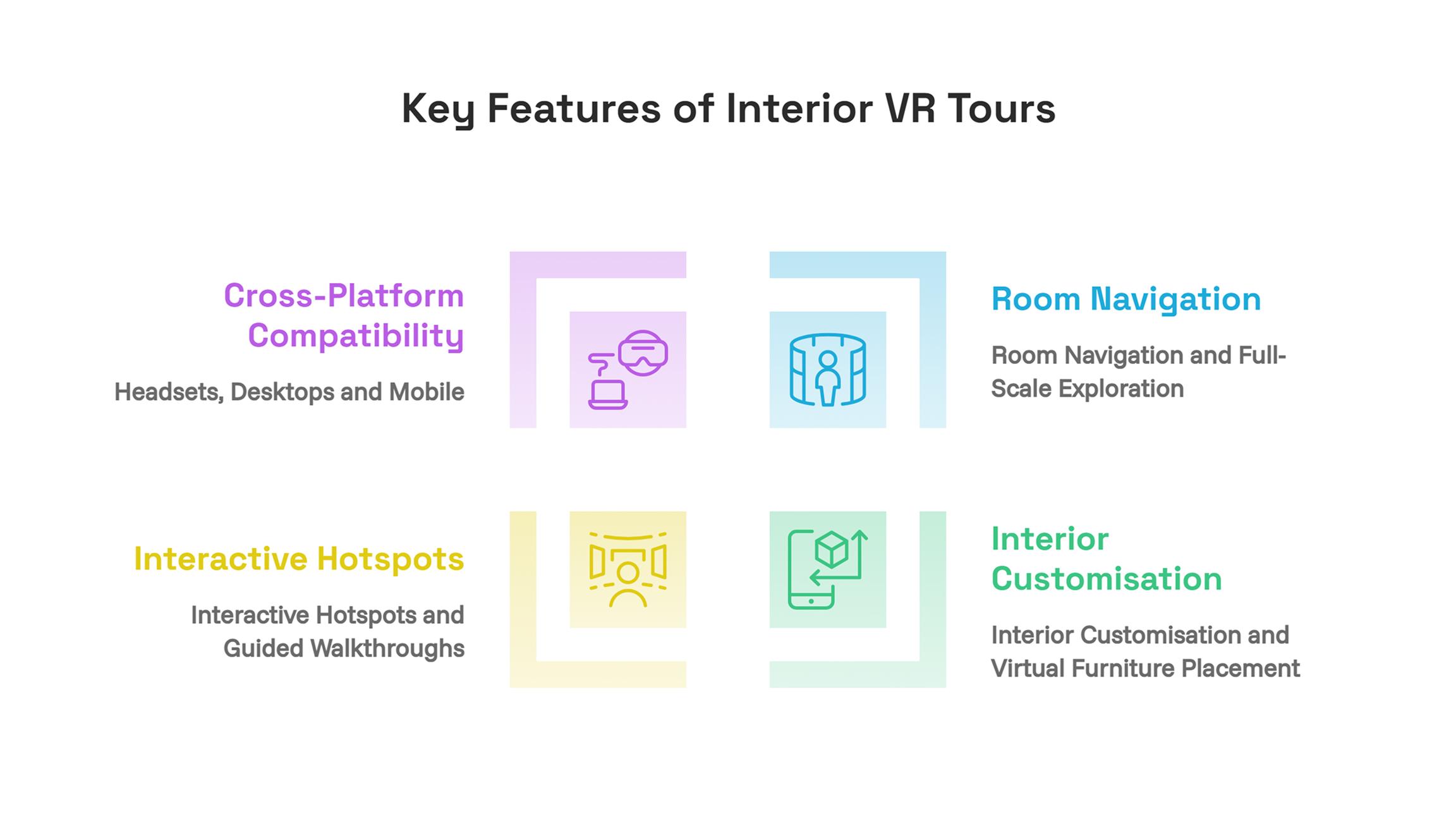
Key Features of Interior VR Tours
Room Navigation and Full-Scale Exploration
The most important characteristic is full-scale navigation within the virtual space. People can navigate using walking motions or pointing and teleporting, using controllers, mouse, and touch screen. The kitchen will appear at full scale, allowing users to check that the island has sufficient space for walking and that the door is not too tight, which would not be visible on a floor plan.
Proper navigation does not cause disorientation. It includes teleportation, smooth motion of rotation, and boundary markers to make new visitors feel stable in the virtual environment. Provide several ways of moving through the space, recentre or exit anytime. An orientation scene at the beginning will help first-time visitors become familiar with the control system.
Interior Customisation and Virtual Furniture Placement
Interactive tours allow changing the interior design as the viewer wishes. Changing floors, repainting walls, changing kitchen finishes, trying sofas, and rearranging furniture makes tours not just an illustration but a decision-making tool.
For a furniture or fit-out business, this approach means that customers will be able to experience the product in an actual space, scaled up and with an appropriate finish. For a developer, this approach means that buyers will be able to select the finish package and preview it before purchase. Every option would require its own modeled and textured objects, and the number of options will determine the project's budget.
Interactive Hotspots and Guided Walkthroughs
Hotspots are clickable points that provide additional information: the name of the material used, a cost, a product specification, a short video, or notes by the designer. This kind of navigation is perfect for showrooms and design review, when viewers need additional information about certain items.
Guided walkthrough implies a certain route, usually with narration or a virtual guide. It works well for new viewers or sales presentations. Usually, many tours include both a guided walkthrough route and a possibility to explore the area independently.
Cross-Platform Compatibility: Headsets, Desktops and Mobile
Not all viewers have headsets available.
| Platform | Experience | Typical use |
|---|---|---|
| VR headset (standalone or PC-connected) | Full immersion and scale | Client presentations, design reviews, showrooms |
| Desktop or laptop | Walk-through with mouse and keyboard | Remote clients, sales teams |
| Mobile or tablet | Touch navigation, sometimes with gyroscope | Quick sharing and wider reach |
| Web browser | No installation, easy links | Marketing and listings |
Building for multiple platforms means optimizing performance on each one, reducing the number of lights and details for less powerful platforms, and controlling the experience according to different input systems.

Use Cases for Interior VR Tours
Residential Interiors
Home builders, interior designers, and clients utilize interior VR tours to check layout options, finishing materials, and furniture. A couple looking to remodel their house may visualize their future kitchen before placing an order. A buyer is able to see various finishes in a show flat that is not built yet. Interior designers can experiment with new solutions and detect possible problems, for example, poor traffic flow.
Commercial Spaces
Office spaces, hotels, restaurants, clinics, shops, and any other commercial areas benefit from visualizing their layouts before fit-out takes place. The team can examine the arrangement of desks, reception areas, signage, and lighting. Facility owners can make use of the tours to showcase rooms to potential tenants.
Virtual Showrooms and Furniture Visualisation
Virtual showrooms offer consumers a product line that does not have a physical presence. Consumers are able to virtually browse staged rooms, view furniture pieces, and alter fabric or colour. For merchants and manufacturers, this approach extends their reach and avoids the costs associated with physical stores. The tours may be attached to product catalogues and allow the consumer to go directly from viewing a sofa to buying it.
Interior Design Previews and Client Approval
Clients may find it difficult to interpret plans and mood boards. Virtual reality previews enable clients to step into the completed room and react to it. Interior designers are able to present choices, record client input, and obtain client approval in advance, thus avoiding costly changes during construction. The client’s scope for changing elements in the tour will also help in revisions.
Visualising Spaces Before Construction
The property developers create and sell houses that are not constructed yet. Virtual reality tours allow potential customers, investors, and planners to look around the apartment, lobby, and other facilities before the site is available. This approach is good for selling the houses and allows the project development team to find issues regarding the design and the layout, which is easier to correct at an early stage.
Example: Walkthrough of a Show Flat
Let us consider an illustrative example. A developer offers apartments in an under-construction building. The VR studio constructs one apartment according to the drawings provided by the architect and creates three finish options: light oak with white cabinets, dark walnut with grey cabinets, and mid-tone with a splashback of another colour. In the walkthrough, clients appear in full size, inspect the kitchen plan, view the city through the living room window, and change finish options using a menu. Salesmen share the desktop version of the project via a link and bring headsets to their sales office. Clients' choices are being tracked to estimate the popularity of each finish option.
Benefits of Interior VR Tours
- Sense of Scale. Understanding spaces is easier by being inside them.
- Early decision-making. Design and finishing can be approved even before construction or purchase.
- Less expensive corrections. The corrections that can be discovered during a virtual reality tour cost less than on-site.
- More people. Buyers and clients from remote places can explore spaces.
- Better presentation. An excellent tour will make a project unique.
- Asset reuse. The same 3D model is used for images, video, and website views.
Limitations and Challenges
- The costs associated with creating interactive tours. They involve modelling and texturing, and are higher than those of 360° photos.
- Optimization. The interior is highly detailed, and it should run smoothly on target hardware, which requires special attention.
- Hardware availability. Not all clients have headsets, and this factor should be considered.
- User comfort. Some users experience dizziness when using VR. The session can also be quite lengthy and fatiguing.
- Fidelity. The 3D model must represent the design accurately, or the tour will build false expectations.
- Maintenance. If the design changes, you should also change the model and the tour.
What Makes a Great Interior VR Tour?
There are some features of excellent interior VR tours:
- Correctly scaled and laid-out rooms. They resemble the design files.
- Photorealistic textures and lighting. Materials and lighting should not look artificial or flat.
- Smooth performance. Consistent frame rate and fast loading on the target hardware.
- Uncomplicated navigation. It takes just a few seconds for a beginner to learn how to navigate.
- Meaningful interaction. Options, hotspots, and guided paths that provide some value.
- Branding and info are clear. Titles, pricing, and communication details are present where necessary.
- Multi-device compatible. The tour should be able to run on a headset, computer, and smartphone.
Interior VR Tour Development Process and Timeline
Interior VR tours development process typically includes the following:
- Discovery. Specify the purpose of the tour, the target audience, platform, and the level of interactivity.
- Source collection. Collect the CAD models, BIM, floor plans, material samples, and reference photos.
- Modeling and texturing. Create a 3D model of the space and all objects inside.
- Lighting and optimization. Set the lighting and optimize the scene.
- Interactions development. Create navigation through the scene, hot spots, customization possibilities, and any kind of path.
- Testing and review. Check the accuracy, performance, and usability on each target device.
- Delivery and support. Launch the tour, train users, and update it when design changes.
The timeline is heavily dependent on the quantity of rooms, degree of customization possibilities, and the platform chosen. Creating a tour of one room without much interactive content will obviously take less time than creating a tour of an entire building with numerous customization possibilities.
Interior VR Tour Cost: Factors That Affect Pricing
Pricing can be quite varied; hence, it is useful to know the factors that influence it:
- Number and volume of rooms. Naturally, the greater the volume, the more work there is to do.
- The level of detail involved. Customized furniture and more complicated finishes all require additional work.
- Interactivity. Customization possibilities, hotspots, and guided tours add to the development process.
- Platform. The more platforms a tour is developed for, the more work has to be done to accommodate them.
- Quality of source files. Well-made CAD/BIM files make it easier to create a tour. Poor quality drawings result in extra work.
- Revisions. Revisions made late into the design process require rebuilding certain components of a tour.
Inquire about detailed pricing and change request policy from the service provider.
How to Choose an Interior VR Tours Development Company
Many companies lack the capability in-house to develop real-time 3D applications, optimise for VR headsets, and support multiple platforms. An interior VR tours development company will be able to take care of all of those aspects and also offer advice on whether you need a 360° tour, a full walk-through experience, or both.
When evaluating companies for your particular needs, make sure to request a live demo on the hardware platform of your choice and learn about their approach to using source material from architects, performance optimisation, and update costs once the design is finalised. In case you require a single vendor for the entire process, find out if the interior VR tours development company is ready to offer you the solution.
Conclusion
Interior VR Tours make concepts and designs tangible, creating spaces that people can visit and evaluate in person. The best of them combine realistic 3D models, convincing lighting and materials, and intuitive-to-navigate interactions. First of all, you have to choose what kind of project you need: a 360-degree tour or a fully interactive walkthrough. Next, plan for the hardware your visitors will use.
FAQs
Written By Charu Sharma