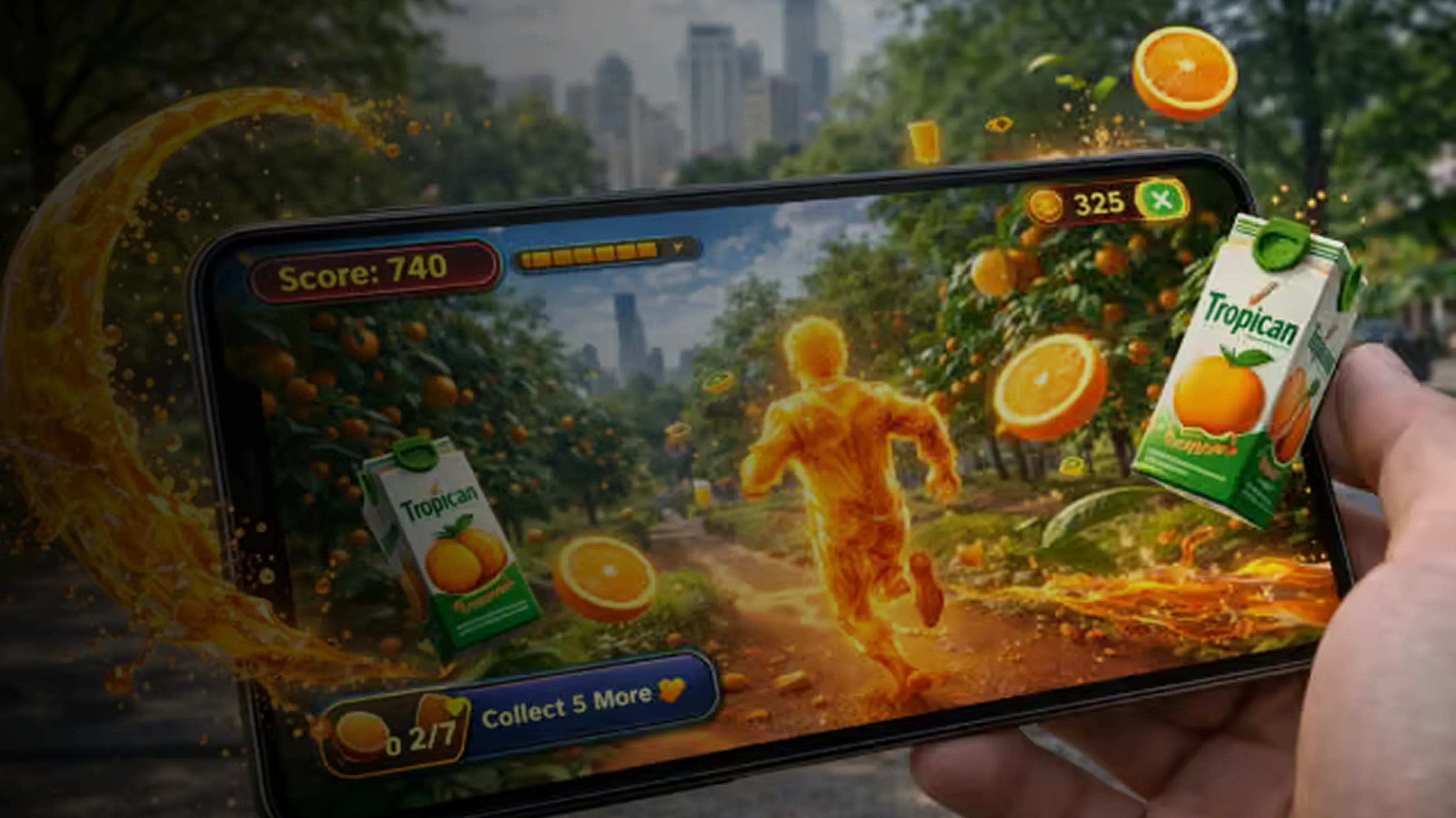
2D Game Development brings players exciting, immersive adventures that pull you right into the action. First of all, 2D games have been favourites throughout gaming history, from classic arcade machines to today's super-popular mobile games that everyone loves. Over time, these simple yet engaging titles attract millions of players worldwide every single day. Next, choosing the right tools makes 2D game creation simple, smooth, and enjoyable. Also, even beginners can easily follow the process when using good software and helpful programs. Finally, this blog gives you complete details on 2D game development tools.
In other words, that is to say, you'll discover top game engines, art creation programs, animation features, sound design options, and more helpful resources to start building your own amazing games today.
Tools used for 2D Game Development
Various tools are used to create interesting games in a 2D game development company operating in 2D game development. First of all, it is preferable to be conversant with these tools. Developers can, therefore, choose the best one in a very short time. So, we shall now know the tools required in 2D game development, as shown in the table below:
| Tool/Engine | Type | Main Use | Best For |
|---|---|---|---|
| Unity | Game Engine | 2D & 3D game development, AR/VR | Indie to large-scale games |
| Unreal Engine | Game Engine | High-end 3D game development, cinematic visuals | AAA games, realistic graphics |
| Godot Engine | Game Engine | 2D & 3D games with lightweight architecture | Indie games, beginners |
| GameMaker Studio | Game Engine | 2D game development | Pixel art games, solo developers |
| CryEngine | Game Engine | Advanced 3D graphics, open-world games | High-performance games |
| Amazon Lumberyard | Game Engine | 3D games with cloud features | Online games, cloud-connected games |
| Construct | Game Engine (No-Code) | Visual 2D game development | Beginners, educational games |
| RPG Maker | Game Engine | RPG and story-driven games | Storytellers, turn-based RPG developers |
| Blender | 3D Design Tool | 3D modelling, animation, and asset creation | Game assets for Unity/Unreal |
| Visual Studio | IDE (Code Editor) | Writing and debugging C#/C++ game code | Scripting for Unity/Unreal |
| JetBrains Rider | IDE | C# development with Unity integration | Game logic and scripts |
| Tiled Map Editor | Level Design Tool | 2D tilemap and level design | Platformers, RPGs |
| FMOD | Audio Middleware | Game sound design and effects | Dynamic audio in games |
| Wwise | Audio Middleware | Audio engine for interactive media | AAA games and spatial sound |
| Adobe Photoshop | Graphic Design Tool | 2D art, textures, UI elements | Visual assets for games |
| Adobe Illustrator | Vector Design Tool | Icons, vector art for UI | Clean, scalable art assets |
1. Unity
Unity is a super-powerful tool for making 2D games. First, it has great features like scene management and 2D physics. Plus, the visual editor lets developers build detailed game worlds easily. Also, these tools cut down development time a lot.
On top of that, Unity runs smoothly on both Windows and macOS. Best of all, it's free for personal projects, but paid plans exist too. So, it's perfect for indie developers, small teams, and mobile game makers.
Why choose Unity?
- To begin with, it provides an easy interface and strong asset management.
- Moreover, it has widespread community support and tutorials.
- Additionally, the C# scripting is not difficult to learn.
- Lastly, it sells to iOS, Android, Web, PC, and console platforms.
2. Godot Engine
After that, Godot Engine is a strong option for indie developers. First, it is lightweight, easy to use, and completely open source. In addition, it works well for both 2D and 3D games.
Moreover, Godot supports flexible workflows. As a result, beginners and indie teams often prefer it. Above all, it remains free forever, which lowers entry barriers.
Key Features:
- To begin with, node-based design ensures the organisation.
- Second, built-in scripting is easy and convenient.
- Third, visual scripting can be used to help in no-code development.
- Fourth, it is compatible with low-end systems.
- Fifth, the scene system enhances the organisation of projects.
3. GameMaker Studio 2
Next, GameMaker Studio 2 is commonly used for 2D games. First, it provides a beginner-friendly drag-and-drop interface. Also, it includes scripting options for more control. Because of this, developers can create games faster. However, full access requires payment. Therefore, it is popular among serious indie developers who want speed and control.
Why pick GameMaker?
- To begin with, it is fast and simple to master.
- Besides, room editors and visual tools accelerate the development.
- Moreover, the engine is designed to support 2D games.
- Lastly, effective documentation is a supportive factor in learning.
4. Construct 3
Next, Construct 3 simplifies 2D game creation even further. First, it requires no coding knowledge. Instead, logic blocks are used to build gameplay mechanics. Also, it is web-based and needs no installation. However, a subscription is required. As a result, it is widely used in schools and educational projects.
Key Features:
- First, there is no need for downloads.
- Besides, there are real-time previews to enable rapid testing.
- In addition, the asset store enhances speedy constructions.
- Lastly, it is built with multiplayer and physics.
5. Defold
Next, Defold is a lightweight 2D engine focused on performance. First, it supports Lua scripting. In addition, it allows easy multi-platform exports. Therefore, developers can build fast-performing games efficiently. Overall, Defold suits mobile-focused projects very well.
Key Features:
- To begin with, it has a high performance level.
- In addition, it provides high-quality mobile speed.
- Moreover, the visual editor enhances the workflow.
- Lastly, animation assistance improves interaction.
6. Photoshop and Illustrator
Next, Photoshop and Illustrator are widely used for 2D game art. First, both tools work on Windows and macOS systems. In addition, they support character creation and UI design.
- Firstly, Photoshop is used for pixel art, textures, UI designs, and fixing up images.
- Secondly, Illustrator is ideal for vector graphics such as icons and logos that scale perfectly.
7. Aseprite
Next, Aseprite is popular among pixel artists. First, it focuses on sprite creation and animation. In particular, it suits retro-style games very well. Although it is a paid tool, it requires only a one-time purchase. As a result, many indie developers prefer it.
Key Features:
- Firstly, onion skinning improves animation flow
- In addition, exports are quick and flexible
- Moreover, palette control ensures accuracy
- Finally, timeline management speeds up edits
How to Choose the Best Engine for 2D Game Development?
To begin with, below are the steps to choose the best engine for a 2D game development company:
1. Define Your Game Type and Genre
- The first one is Platformer, puzzle, RPG, shooter, arcade, etc.
- Secondly, due to this, various engines might be more appropriate for various genres.
2. Decide Your Target Platform
- To begin with, PC, Web, Android, iOS, or Console.
- Second, select a ready-to-publish engine that readily cross-platforms.
3. Assess Your Coding Skills
- Firstly, no coding knowledge? Then, visual scripting engines should be used.
- Secondly, at ease writing? Test engines with Lua, GDScript, or C#.
4. Check for Built-In 2D Features
- First, Sprite management
- Besides, Tilemaps and level editors.
- In addition, 2D physics
- Finally, Animation tools
5. Look at Community and Documentation
- To begin with, Active forums, tutorials and YouTube channels.
- Second, there is consequent good support in problem-solving and learning.
6. Consider Asset and Plugin Availability
- First, Built-in asset stores or easy import/export options
- Second, Extension support of other features.
7. Evaluate Performance Needs
- To begin with, there are lightweight engines that are very mobile.
- Secondly, Others have greater visual complexity but cost more.
8. Analyse the Pricing Structure
- First, Free and open-source
- Moreover, Subscription-based
- Lastly, a one- payment or a freemium model.
Read Also: List of the Top Gaming Companies in India for 2D and 3D Games
Why Choose 2D Game Development for Mobile Games?
Choosing a 2D game development company for mobile games offers speed, affordability, and broad appeal. Therefore, it is ideal for indie creators and quick market entry. At Abhiwan Technology, we specialise in 2D game development to deliver efficient, engaging mobile experiences:
1. First, faster and Cost-Effective Development
- 2D games need fewer assets and simpler mechanics.
- Reduce time and money to develop.
- Ideal for beginners and small studios.
2. Second, lower Resource Requirements
- 2D games run smoothly on most mobile devices.
- Less strain on battery, memory, and processing power.
3. Third, addictive Gameplay
- Many successful mobile games are 2D.
- Easy to play and understand.
4. In addition, easier to Learn and build
- 2D engines are beginner-friendly.
- Best for students and new developers.
5. Moreover, 2D visuals attract a wider audience
- 2D visuals are colourful, nostalgic, or cartoon-like.
- Attracts a broader audience.
6. Also, updates and fixes are faster
- Easy to fix
- Add features.
7. As a result, new ideas can be tested quickly
- Quick to build, test, and.
- Perfect for experiments.
8. Finally, Proven Market Success
- 2D games generate high revenue.
- Developers can monetise with ads.
Conclusion
In conclusion, 2D game development is a big win for players, developers, and companies, too. First, this blog walked you through all the main tools and software that 2D game companies use every day. So, if you're eager to learn and work with a small team. Therefore, picking the right tool will turn your cool ideas into actual games fast. Moreover, these tools fit every type of game and guide you through each creation step smoothly. Finally, they help your games grow big and reach just the right players. In short, 2D games make all people experience super fun engagements and memorable moments.
Written By Abhiwan Marketing