There is one reason why many AR applications designed for businesses fail. People create them as they would create any mobile application. In reality, however, the augmented reality app development process has its own peculiarities that differ from other application types.
If you are a business owner, manager, or technology specialist considering using AR in business (e.g., for training, field services, sales, or remote assistance), you have come to the right place. This guide will tell you about the eight easy steps of the process and what they imply from the point of view of project budgeting and potential risks.
What is the Augmented Reality App Development Process?
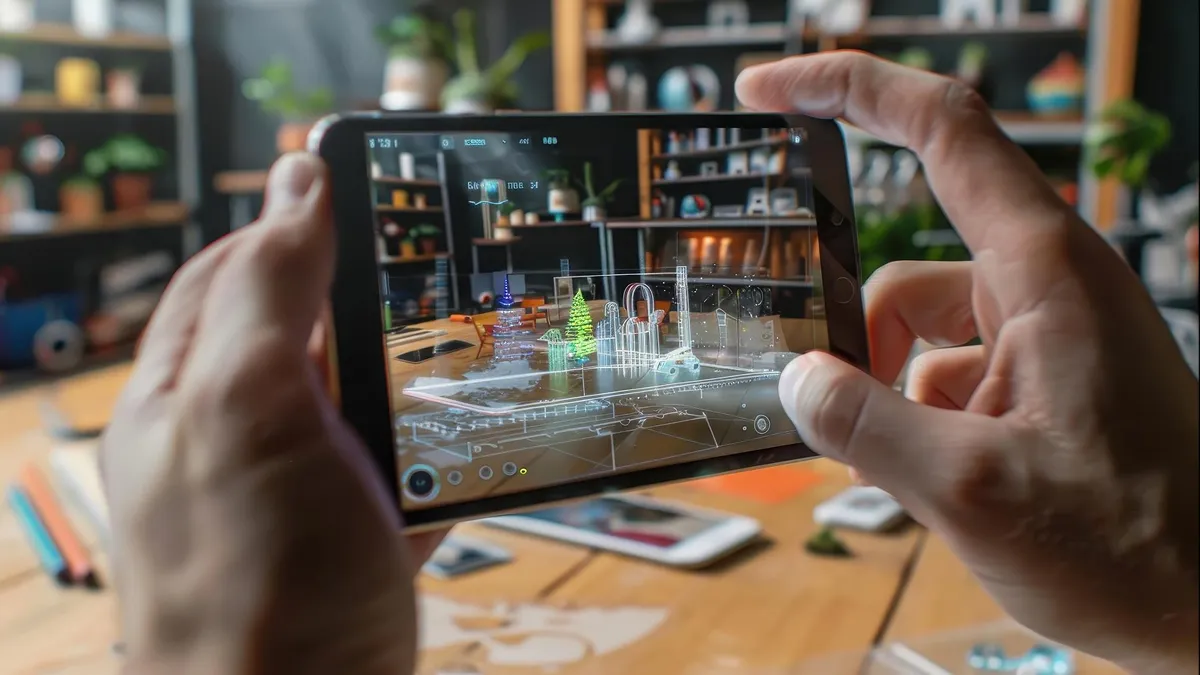
The process of AR app development is similar to developing any other type of application. However, unlike mobile applications, AR apps require placing virtual objects, instructions, or even 3D models precisely within a user’s visual range by using a smartphone, a tablet, or a headset.
When developing an application for businesses, the first step is to select a feasible use case. The application could be used to guide the staff in maintaining the equipment, to provide customers with visualization of products before purchase, or even to allow specialists to guide field technicians remotely. In any case, there are specific requirements regarding device compatibility, 3D models, precision of tracking, and user experience.
An effective augmented reality development process includes all these factors in advance. The developers have to keep in mind the environment in which the application will work, the connections with other systems, and the way its performance will be evaluated. Such preliminary considerations help businesses estimate costs of development, avoid possible problems, and develop an application that is aimed at meeting some particular business needs.
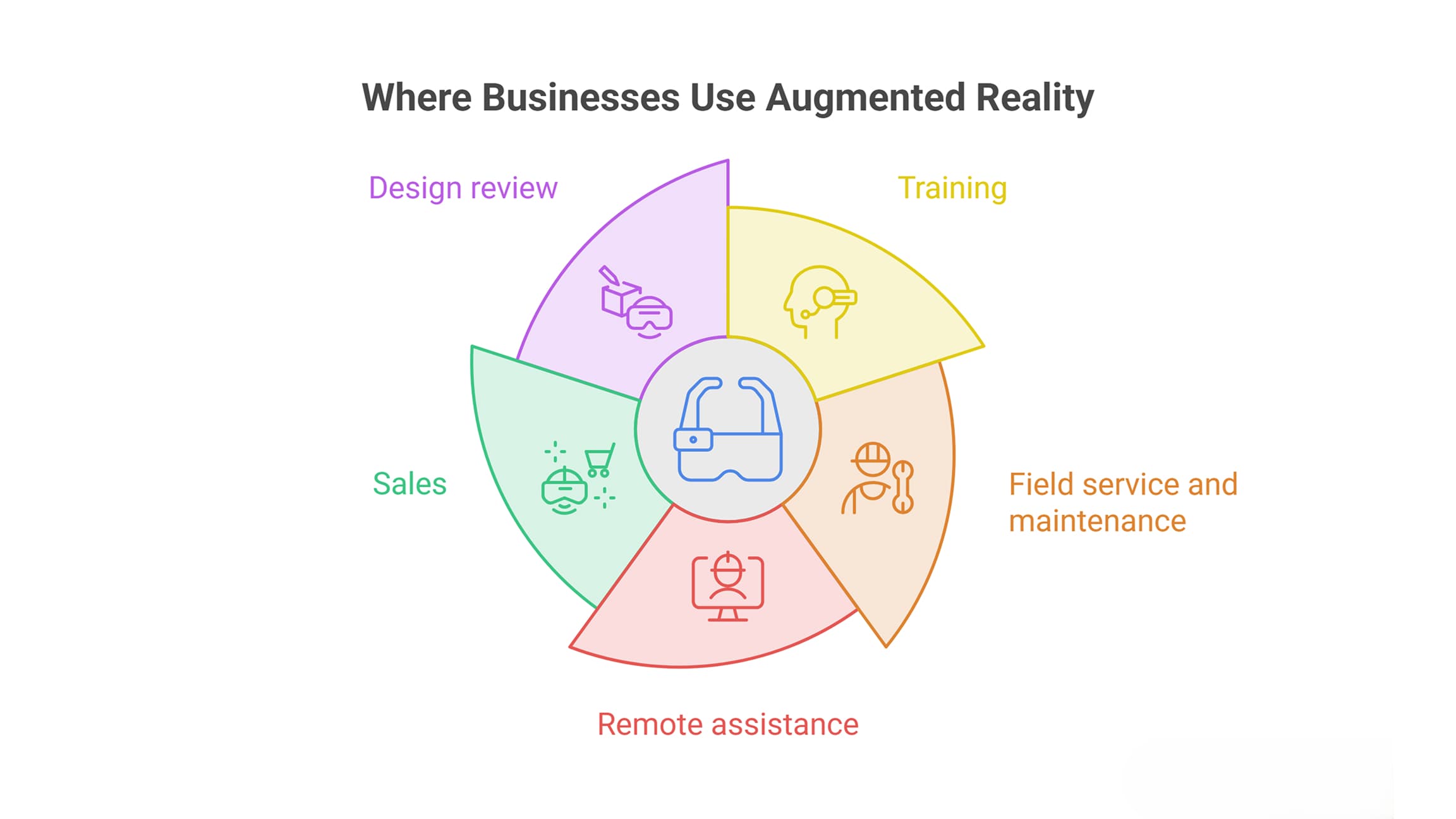
Where Businesses Use Augmented Reality
- Training: Assist users with step-by-step instructions and prevent downtime for real devices.
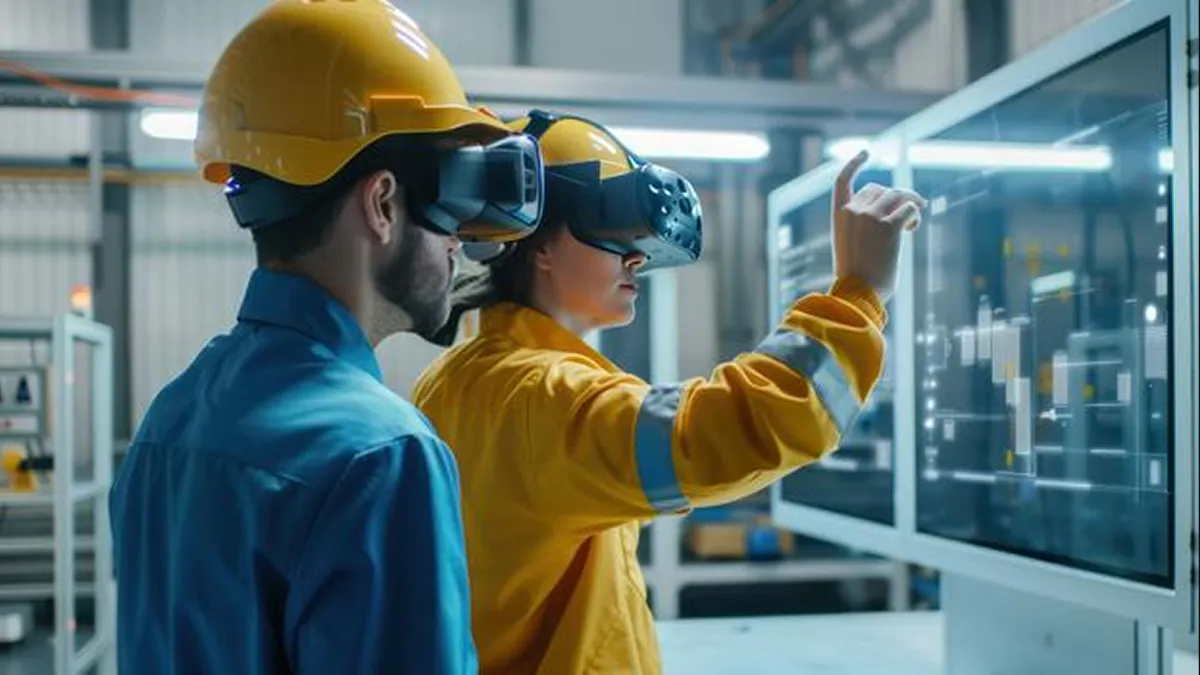
- Field service and maintenance: Display instructions overlaid onto the machinery.
- Remote assistance: Enable experts to see where the technician is and to provide visual guidance.
- Sales: Help clients visualize the product at full scale in their environment.
- Design review: Facilitate review of 3D objects at full scale before construction or manufacturing.
Choose one area of application first. Trying to implement all five at once leads to complicated projects.
What are the four types of augmented reality?
The choice of AR influences the devices, content, and total cost of the project. It is one of the key steps at the beginning of developing your augmented reality process flow.
- Marker-based AR: To show digital content, the app scans a QR code or printed image. It is often used in manuals, packaging, and machine labeling.
- Markerless AR: The device identifies surfaces in the surroundings and overlays digital content on them without using printed markers. Such AR is commonly applied in retail and product demos.
- Projection-based AR: Digital content is displayed by projecting light onto real surfaces and can be interactive. It can be applied in assembly areas and exhibitions.
- Superimposition-based AR: The app substitutes or extends a view of an object's parts, e.g., internal machine parts.
Some resources use location-based AR as one of the types. However, it does not change anything in choosing the most appropriate type of AR for your application and working conditions.
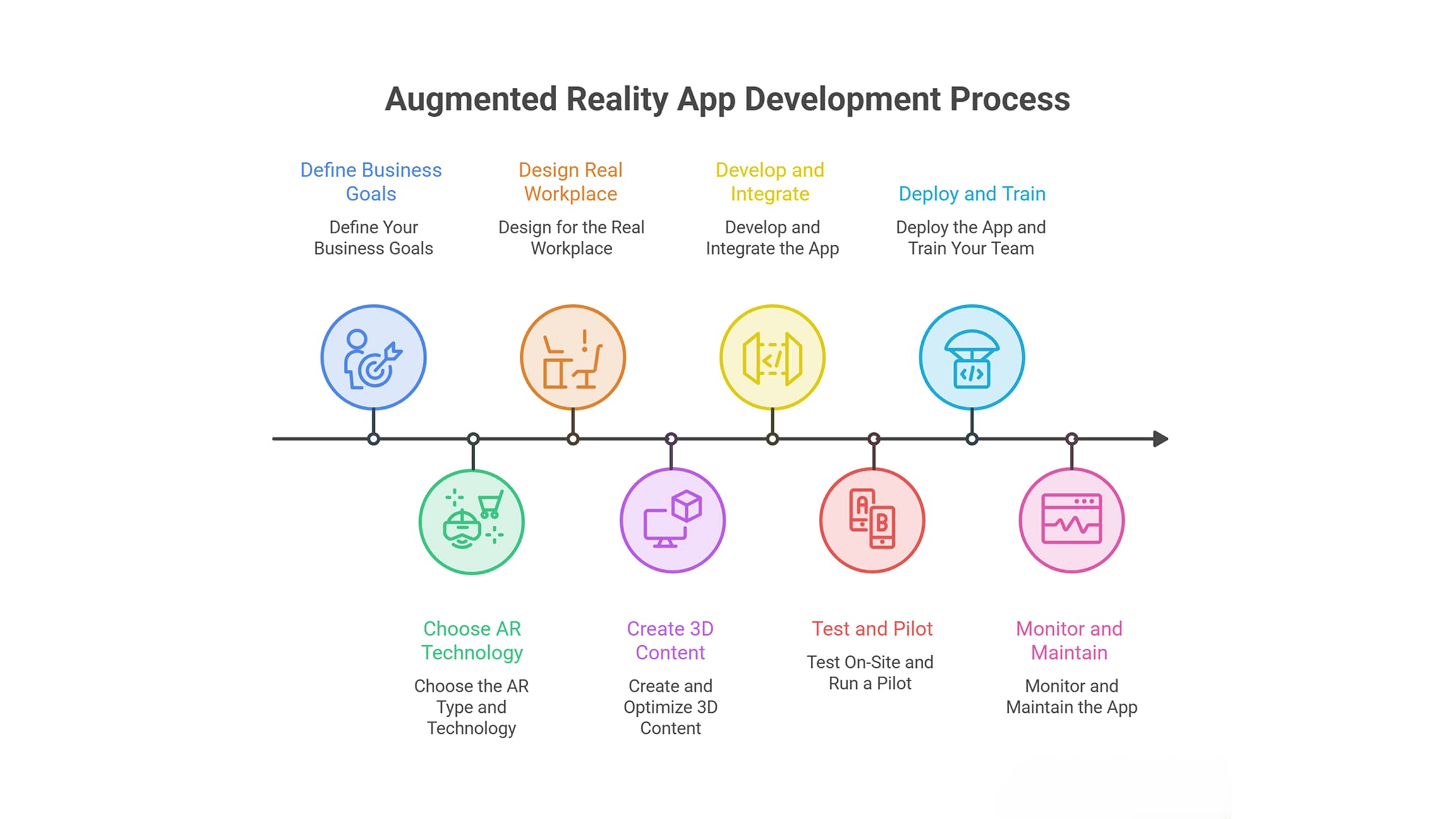
Step-by-Step Augmented Reality App Development Process
Step 1: Define Your Business Goals
Rather than focusing first on selecting the technology, begin by identifying the objective you wish to accomplish. Determine who will use the application, where it will be used, and what needs improvement. You may have objectives related to less training time, fewer errors, reduced customer complaints, or more sales. Establish measurable success criteria before design.
In addition, you need to establish if AR is needed or if another solution, such as a video or 3D viewer, would better address the issue at hand. This step should yield a documented set of requirements and an initial release plan.
Step 2: Choose the AR Type and Technology
Select tools based on your users, devices, and project requirements.
| Option | Best for | Main drawback |
|---|---|---|
| Native development (ARKit for iPhone, ARCore for Android) | Strong device integration and performance | Separate development work for each platform |
| Unity with AR Foundation | Cross-platform applications with rich 3D content | Larger application size and additional setup |
| WebAR | Quick demonstrations without an app download | Capabilities and tracking may be more limited, depending on the platform |
| Headset-based AR | Hands-free factory and field work | Higher device costs |
For business applications, also consider device management, security requirements, and whether the software must function without an internet connection.
Step 3: Design for the Real Workplace
Users may wear AR goggles, move around, hold a mobile device in their hands, and wear gloves. The interface needs to provide easy onboarding, messages about loss of tracking, intuitive controls, and readability of the content under various lighting conditions, whether bright or dim.
Make a prototype and test it out in the real workplace. Catching usability problems at an early stage tends to be less costly than fixing them after development.
Step 4: Create and Optimize 3D Content
Few developers are aware of the effort needed to create 3D models. They have to be both realistic-looking and fast enough to run on the targeted hardware. It might be necessary to adjust the number of polygons, optimize the textures, and choose the right file format, whether glTF, USDZ, or FBX.
In addition, existing design files may need preprocessing. A good development team will evaluate the assets beforehand and assess the work required.
Step 5: Develop and Integrate the App
The app developers will implement the camera capabilities, object tracking, content placement, and user interaction. They can also link the app to other enterprise applications like ERP, C, RM or even single sign-on systems.
Because of short development cycles, you can actually test a version of the application that works on a real device and not after the whole application is built.
Performance is critical as well because poor performance,nce like low frame rates, quick depletion of the battery, and heating up,p can make the application unpleasant to use.
Step 6: Test On-Site and Run a Pilot
You need to test it on-site because simulators alone cannot prove the efficiency of an application in real-life situations. Also, you should see how the application works in real lighting conditions, reflective objects, and places where other people are moving about.
You also need to check whether:
- The application behaves correctly during all kinds of interruptions and crashes.
- The users can work on tasks without being guided through the process all the time.
- The data is secure and privacy-preserving.
Then proceed with testing on a small scale with actual users. Evaluate the test results according to the targets that were set in the initial planning stage.
Step 7: Deploy the App and Train Your Team
Make sure the distribution of the application takes place through company-specific channels, app stores, or a web link if it is WebAR. Create simple user guides and provide contact information in case of problems.
It is recommended to introduce the software to just one location or team in the beginning to have time to solve any possible practical problems.
Step 8: Monitor and Maintain the App
Software for mobile devices, sensors, and AR development changes over time. You should plan some budgeting for the updates and bug fixing as well as for creation of new digital content.
Evaluate how the application is used, measure its performance according to your initial goals, and collect feedback from your employees. Based on these insights, define what needs to be improved and whether the solution adds value.
How is AR different from AI?
AR and AI have separate functionalities, but both can be integrated into the same system to make it more interactive and convenient for users. AR allows for adding various digital objects to the real-world environment, such as 3D models, animations, labels, and even instructions. AI utilizes data and makes use of it for identifying objects, recognizing patterns, understanding inputs, and making decisions.
An example is a maintenance app that allows a user to see instructions superimposed on the machine to recognize the needed component. AI could be used to recognize the part of the machine via the camera and get the necessary information about it. Afterward, AR will superimpose the instruction or the 3D model in the field of view of the technician.
As seen from the example above, developing such an application is related to the creation of 3D objects, as well as tracking and spatial alignment.
Common Mistakes in AR App Development
No goals defined: With no quantifiable objectives, a pilot cannot show any value.
- Multiple use cases launched at once: Begin with one real use case and proceed based on evaluation of the results.
- Omission of the workplace: Tracking that works in an office environment will not work in a factory.
- Heavy 3D assets: Unoptimized assets will overload the application and cause dissatisfaction among users.
- No maintenance plan: Lack of regular maintenance might cause software bugs to prevent the application from functioning properly.
Costs and schedules will vary depending on the selected AR technology, number of platforms, 3D content volume, and integration needs. To give you an accurate estimate, we need to analyze your particular requirements and not give you the same price tag for all projects.
How to Choose the Right AR Development Partner
Select an experienced AR development company that has created and deployed AR apps. Request to see live demos of the application on real devices, not just in videos.
Inquire about the team’s preparation of 3D assets, testing on different devices, solving tracking issues, security measures, and integration into your ecosystem.
A trusted partner will explain trade-offs in simple terms and recommend features to meet your business needs rather than just complicating things.
Conclusion
A properly planned AR solution mitigates risks at each step. The business goal defines the need, the suitable technology is picked for the particular environment, while optimized 3D content and design increase usability. Testing on location helps find the issues before the application reaches broader users.
Take the launch as the start of ongoing improvements instead of the end of development.
Want to develop an AR solution for your business? Speak to an experienced development partner who will analyze your use case, devices, and system infrastructure before making your budgeting decision.
Written By Charu Sharma