Every development starts with concepts. Game concept art plays an important role in game development. Concept art is the first step in the development. It includes drawing, sketches of the game characters, vehicles, and more. Through this, game designers, artists and developers understand how it looks in 3D. Concept art is the first step of design, whether it is a 3D racing game or an action-filled 3D mobile game. It saves time and imagination in life. The article explains the step-by-step process of concept art creation.
Why is Concept Art Important in 3D Games?
Concept art is very important in 3D games. Here's why it's important:
- Saves time and money
- Gives everyone a clear direction to follow
- Explores multiple ideas quickly before production
- Builds the game’s visual identity
- Improves collaboration between artists and modellers.
Where is Concept Art Used in 3D Games?
Character design - player avatars, enemies, side characters.
Environment Design - Game maps, cities, landscapes
Vehicle Design - Cars, bikes, spaceships for 3D racing games
Weapon and Prop Design - Guns, swords, magical items, accessories
UI/UX Concept Art - Buttons, menus, screens
Step-by-Step Process of Creating Game Concept Art for 3D Games
Here is the Step-by-step process of how artists create concept art for 3D games:
Step 1: Understand the Game Vision
The game concept artist needs to understand the game.
- What type of game is it?
- What is the platform?
- What is the story or theme?
- Who is the main audience
- What mood or emotions should the visuals show?
Step 2: Collect References and Build a Mood Board
Next, the artist collects inspiration and reference material, which is called mood boarding.
- Photos of real-world items
- Art from other games
- Movie screenshots
- Textures and patterns
- Color palettes
Step 3: Make Quick Sketches
The artist sketches small, quick versions of characters. These are called thumbnail sketches.
- Fast to draw
- Simple in shape
- Used to test multiple ideas
Step 4: Refine Best Ideas
After many sketches, choose the best and refine it.
- Adding clear lines and shapes
- Improving the anatomy
- Adding facial expressions or car features
- easy-to-understand design
Step 5: Add Colour, Lighting
Now, the artist designs life by painting with colours and light.
- Selecting a colour palette
- Showing how the object reacts to light
- Adding material textures
- Creating atmosphere with shadows and glow
Step 6: Create Turnaround Sheets and Poses
This step is important for 3D modellers and animators.
- Turnaround sheets show the 3D views of a character or object.
- Pose sheets show how the character moves or fights.
- Expression sheets show different moods
In 3D games, modellers use these sheets to create accurate 3D versions of the art.
For a racing car, the sheet might include:
- Side view with measurements
- Top-down view of cockpit layout
- Rear lights and spoilers in detail
Step 7: Feedback and Make Revisions
The concept art is now reviewed by:
- Game designer
- Creative director
- Animation or modelling team
- Sometimes the client or publisher
They may suggest:
- Changing colour tones
- Adding or removing parts
- Making the design more child-friendly
- Adjusting the scale for gameplay
Step 8: Deliver Final Concept Art
The final concept art package is shared with the rest of the team. It includes:
- Final colour render
- Turnaround sheets
- Expression/pose sheets
- Texture and material guides
- Notes for 3D modellers and animators
What Tools Are Used in Concept Art Creation?
| Tool Name | Purpose |
|---|---|
| Adobe Photoshop | Digital painting and editing |
| Procreate | Drawing on iPads and tablets |
| Blender | For 3D blocking (optional) |
| PureRef | Collecting and organising references |
| Krita | Free painting tool for artists |
Tips for Great Concept Art in 3D Games
- Focus on the silhouette and shape first before the detail
- Use contrast and lighting to guide the eye
- Think about gameplay mechanics — make sure the design supports action
- Keep the target platform in mind
- Match the style of the game
Concept Art for 3D Racing Games
For 3D racing games, concept art includes:
- Race cars with unique body styles
- Track layouts with obstacles and checkpoints
- Environmental mood
- Driver suits, helmets, pit stop props
- UI screens for lap time, speed, and score
Concept Art in 3D Mobile Games
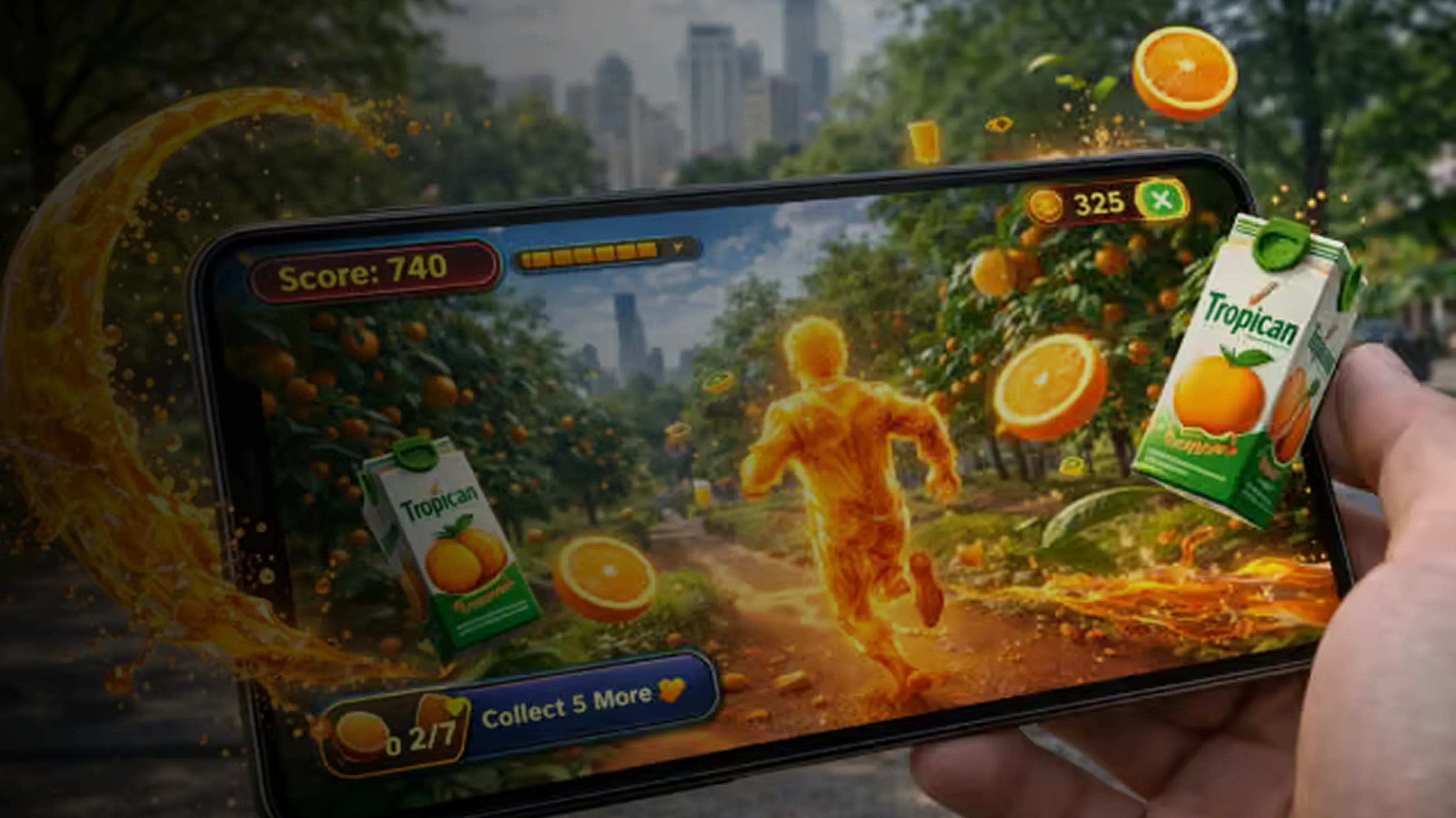
For 3D games on mobile, concept art focuses on:
- Clean visuals that work on small screens
- Bold colours and minimal detail
- Lightweight design to reduce memory use
- Fun and clear character shapes
- Easy-to-read environments
What is Concept Art in a Game?
Concept art is the first visual representation of games. It will help in visualisation, characters, and environment design. Concept art is created in 2D through digital painting. It gives visual direction to the development team.
- First Visual Step
- Idea to Image
- Team Guide
- Not Final Art
- Used in All Game Areas
- Saves Time and Money
- Important for 3D Games
How Much Does Game Concept Art Cost?
The cost of concept art depends on experience, style, and complexity. Here’s a basic pricing guide:
| Type of Concept Art | Description | Estimated Cost (USD) |
|---|---|---|
| Basic Character Sketch | Simple outline or black & white concept | $50 – $150 |
| Detailed Character Concept | Full-colour, detailed design with costumes, props | $200 – $500 |
| Environment Concept Art | Game background, scene, or landscape | $300 – $800 |
| Vehicle or Racing Car Design | Detailed vehicle design for 3D racing games | $150 – $400 |
| Weapon or Prop Design | Swords, guns, tools, or magical items | $100 – $300 |
| UI/UX Concept Art | Menu screens, buttons, icons (mostly for mobile) | $100 – $250 |
| Turnaround Sheet (Multiple Views) | Front, side, back, and top views for 3D modelling | $150 – $400 |
| Expression or Pose Sheet | Different facial expressions or body poses | $100 – $300 |
Conclusion
Concept art is a creative journey in game development. It gives a roadmap to the development team through imagination. From rough sketch to full and final designs, every step gives life to the imagination. Whether you are creating a 3D racing game or 3D mobile games, game concept art is the first and important step to game success. The steps include Game Vision, Mood Board, quick sketching and many more things. With these steps, you ensure the game design and give inspiration to the team.
Written By Abhiwan Marketing